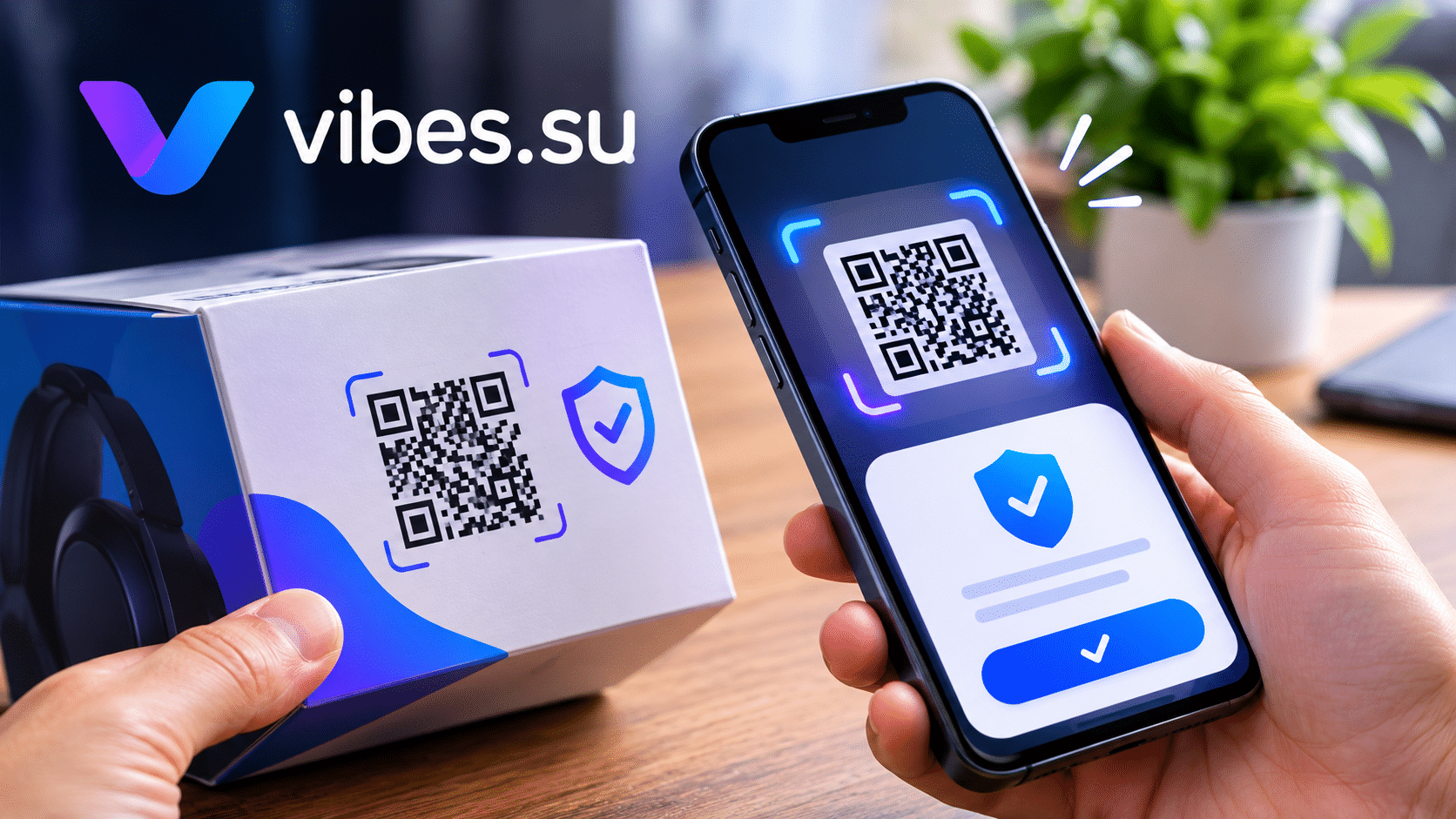
Why warranty registration is a problem for both brands and customers
Warranty registration is one of those processes that benefits everyone but is often skipped. For the brand, it means knowing who bought the product, when, and where — useful for support, recalls, and customer relationships. For the customer, it means having proof of purchase and easier access to service if something goes wrong.
In practice, most customers do not register. The process is often buried on a website, requires typing a serial number, creating an account, and filling out forms. It takes time, and there is no immediate benefit. The result is that brands have incomplete data, and customers have weaker protection.
A QR code on the packaging changes this. Instead of asking customers to find a page and type information, the code takes them directly to the registration form. The serial number can be pre-filled or scanned. The process becomes a few taps instead of a few minutes. When it is easier, more people do it.
This article is about using QR codes on packaging for warranty registration. It covers what to include, how to design the flow, and what to consider before printing.
Why QR codes make warranty registration easier
The main advantage of a QR code is that it removes friction.
No typing a long URL. The code takes the customer directly to the right page.
No searching for the registration page. The code is on the product they just bought.
No guessing what to do. The page can guide the customer step by step.
No lost receipt. The registration confirms the purchase and the date.
No need to remember. The code is on the packaging, which the customer keeps at least until the product is set up.
For the brand, the benefits are similar: more registrations, better data, and a direct channel to the customer.
What to include in the registration flow
The registration flow should be short and clear. Every additional step reduces the number of people who complete it.
A typical flow:
— the customer scans the QR code;
— the page opens with a short explanation of why registration is useful;
— the form asks for the minimum information: name, email, and serial number (if not pre-filled);
— the customer confirms;
— the page shows a confirmation and, if possible, a warranty certificate or reference number;
— the customer receives a confirmation email.
The form should be as short as possible. Every field beyond the essential ones reduces completion rates.
If the serial number can be encoded in the QR code itself, the customer does not need to type it. This is a significant improvement.
How to encode the serial number
There are two approaches to handling the serial number.
The first is to encode the serial number directly in the QR code. Each product gets a unique code. When the customer scans it, the serial number is passed to the registration form automatically. This is the smoothest experience, but it requires generating a unique QR code for each product.
The second is to use a generic QR code that leads to the registration form, where the customer types the serial number. This is simpler to produce but adds a step for the customer.
For high-value products, unique codes are usually worth the extra effort. For lower-value products, a generic code may be enough.
A middle option is to use a dynamic QR code that leads to a page where the customer enters the serial number once, and the page remembers it for the session. This is simpler than unique codes but still reduces friction.
For a related look at how QR codes support product tracking, see QR codes on packaging for product journey tracking.
How to design the packaging for the QR code
The QR code needs to be visible and easy to scan.
Placement. The code should be on a flat surface, not on a fold or an edge. It should be visible without opening the packaging completely, if possible.
Size. The code should be large enough to scan easily. A common mistake is making it too small to save space.
Contrast. The code should be dark on a light background. If the packaging is dark or patterned, the code needs a light, solid background.
Durability. The code should survive shipping and handling. If the packaging gets scratched or wet, the code may become unreadable.
Text. A short instruction next to the code helps: "Scan to register your warranty". Without it, some customers may not know what the code is for.
Language. If the product is sold in multiple countries, the instruction may need to be in multiple languages, or the page may need to detect the language.
Testing. Before printing, test the code on a sample of the actual packaging. Scan it on multiple devices and in different lighting.
How to encourage registration
Even with a QR code, some customers will not register. A few things can help.
Explain the benefit. "Register to activate your warranty" or "Register for faster support" gives a reason.
Offer something. Extended warranty, priority support, a discount on accessories — a small incentive can increase registration rates.
Keep it short. The fewer steps, the more likely people are to complete.
Confirm immediately. A confirmation email or a certificate shows the customer that the registration worked.
Remind later. If the customer does not register immediately, a follow-up email or a mention in the product documentation can help.
The goal is to make registration feel like a benefit, not a chore.
How to handle data and privacy
Warranty registration collects personal data. This needs to be handled carefully.
Be clear about what data is collected and why. A short privacy notice on the registration page is essential.
Collect only what is needed. Name, email, and serial number are usually enough. Additional fields should be optional.
Store data securely. This is standard but worth stating.
Allow customers to access and delete their data if required by law.
Comply with local regulations. Depending on where the product is sold, there may be specific requirements for consent and data handling.
For related access control approaches, see password-protected bio page for clients.
How to measure whether it is working
Several metrics can show whether the QR code is achieving its purpose.
Scan rate. How many people scan the code, compared to how many products are sold.
Registration rate. How many of those who scan complete the registration.
Time to complete. How long the registration takes. Shorter is better.
Drop-off points. Where in the flow people leave. This shows what to fix.
Support requests. If registration reduces support requests, that is a sign it is working.
Repeat customers. If registered customers return more often, that is a long-term benefit.
If the scan rate is low, the code may not be visible or the instruction may not be clear. If the registration rate is low, the form may be too long or the benefit may not be clear.
Common mistakes with warranty QR codes
A few mistakes come up often enough to be worth naming.
Mistake one: the code is hard to find. If the customer has to search for it, they may not bother.
Mistake two: the code is too small. If it does not scan easily, it does not work.
Mistake three: no explanation. A code without text does not tell the customer what it is for.
Mistake four: a long form. Every extra field reduces completion.
Mistake five: no confirmation. If the customer does not know the registration worked, they may try again or give up.
Mistake six: the page does not work on mobile. Most customers scan with a phone, so the page must be mobile-friendly.
Mistake seven: no privacy notice. This is both a legal and a trust issue.
When a QR code for warranty registration is not the right choice
QR codes are useful for many products, but not all.
If the product is very small, there may not be room for a scannable code.
If the product is sold in bulk without individual packaging, a QR code may not be practical.
If the customer base is not familiar with QR codes, the code may not be used. In that case, a simple URL or a printed card may work better.
If the product is low-value and warranty registration is not important, the effort may not be justified.
In these cases, a different approach may be better.
Frequently asked questions
Why use a QR code for warranty registration?
It removes friction: no typing a long URL, no searching for the page, no guessing what to do. The customer scans and registers in a few taps. This increases registration rates and gives the brand better data.
Should the serial number be encoded in the QR code?
For high-value products, yes. A unique code per product makes registration smoother. For lower-value products, a generic code with manual entry may be enough.
How do I encourage customers to register?
Explain the benefit, offer something in return (extended warranty, support), keep the form short, confirm immediately, and remind later if needed.
What data should I collect?
The minimum: name, email, and serial number. Additional fields should be optional. Always include a privacy notice.
How do I measure success?
Scan rate, registration rate, time to complete, drop-off points, support requests, and repeat customers. These metrics show whether the QR code is working.
What are the common mistakes?
Hard-to-find code, too-small code, no explanation, long form, no confirmation, non-mobile-friendly page, and no privacy notice.
When is a QR code not the right choice?
When the product is very small, sold in bulk, when customers are not familiar with QR codes, or when warranty registration is not important. In these cases, a different approach may be better.