Why packaging is a good place for a QR code that tracks something
Packaging travels with the product. It leaves the warehouse, passes through logistics, arrives at a store or a fulfillment center, and ends up in the hands of a customer. At every step, someone interacts with it: a worker scans it, a courier checks it, a store employee places it on a shelf, a customer picks it up. A QR code on the packaging can capture those moments, turning a passive label into a point of tracking.
This is not about barcodes or internal inventory systems. It is about a QR code that can be scanned with an ordinary phone, that links to a page you control, and that lets you see what happens to a product after it leaves your hands. This article is about how that works, what it is useful for, and what to consider before printing codes on physical goods.
What tracking a product journey actually means
Product journey tracking is the idea that you can see where a product has been and where it is now. It is not the same as real-time GPS tracking of a single item. It is more like a series of checkpoints: the product was packed, the product left the warehouse, the product arrived at the store, the product was sold.
A QR code on the packaging makes those checkpoints possible without expensive infrastructure. Anyone with a phone can scan the code, and if the destination page is set up to record scans, that scan becomes a data point.
This is useful for several reasons:
— you can see whether the product actually moved through the expected stages;
— you can identify delays or bottlenecks;
— you can verify that the product reached the right destination;
— you can connect the physical product to a digital page with more information.
The QR code does not replace a warehouse system. It adds a lightweight layer that works everywhere, even where there is no dedicated scanner.
What the QR code should lead to
The destination of the QR code matters. It determines what you can do with the scan and what the person scanning sees.
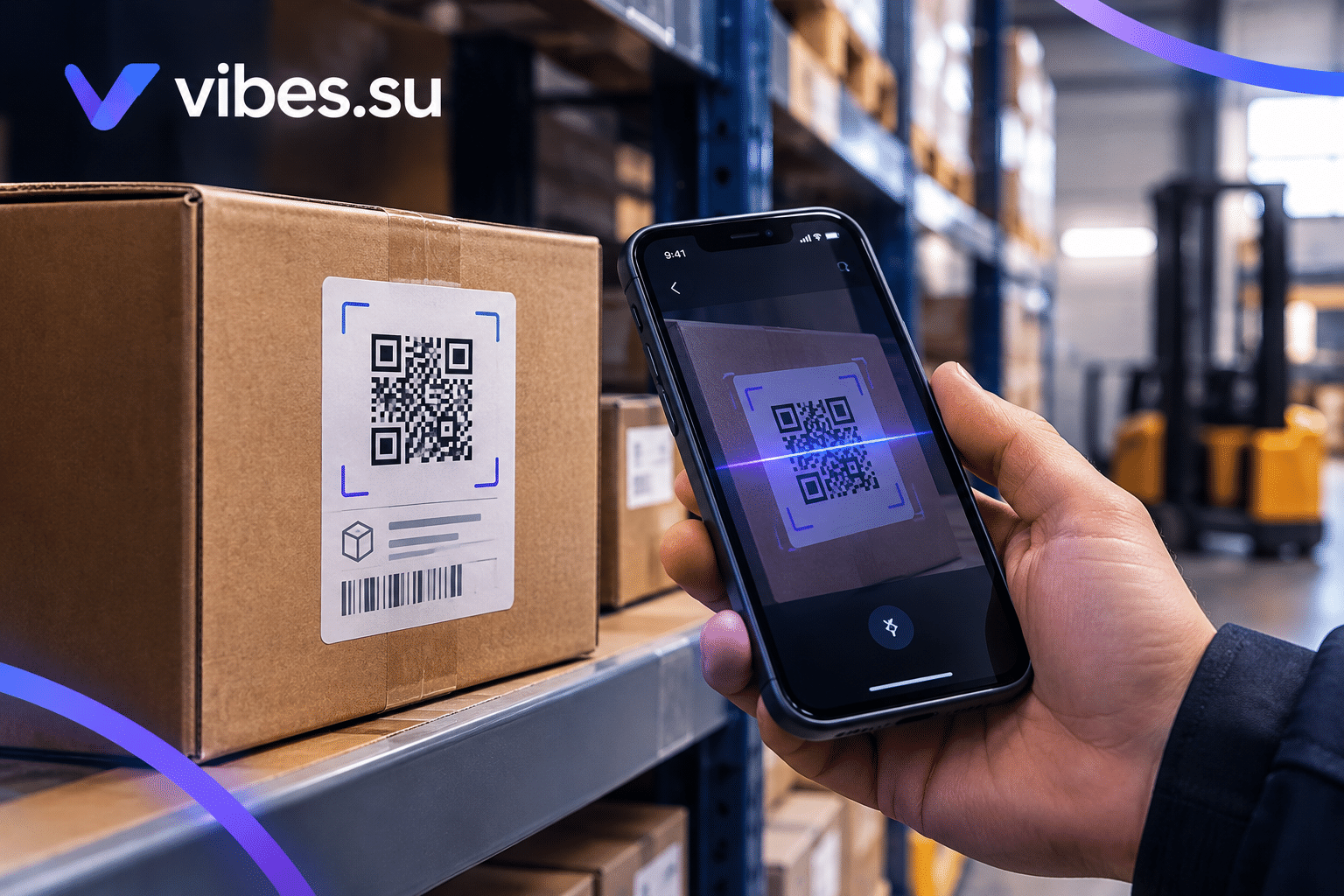
For internal tracking, the code can lead to a page that records the scan and shows a simple status. A warehouse worker scans the code, the page confirms the product, and the scan is logged. No app, no special device — just a phone.
For customer-facing use, the code can lead to a product page: information, instructions, warranty registration, a support form, or a reorder option. In this case, the scan is not just a tracking event but also a point of engagement.
For mixed use, the code can lead to a page that serves both purposes: it confirms the product, shows relevant information, and logs the scan for internal reporting.
The important thing is to decide in advance what you want the scan to do. A code that tries to do everything at once often does nothing well.
Dynamic or static: what to choose for packaging
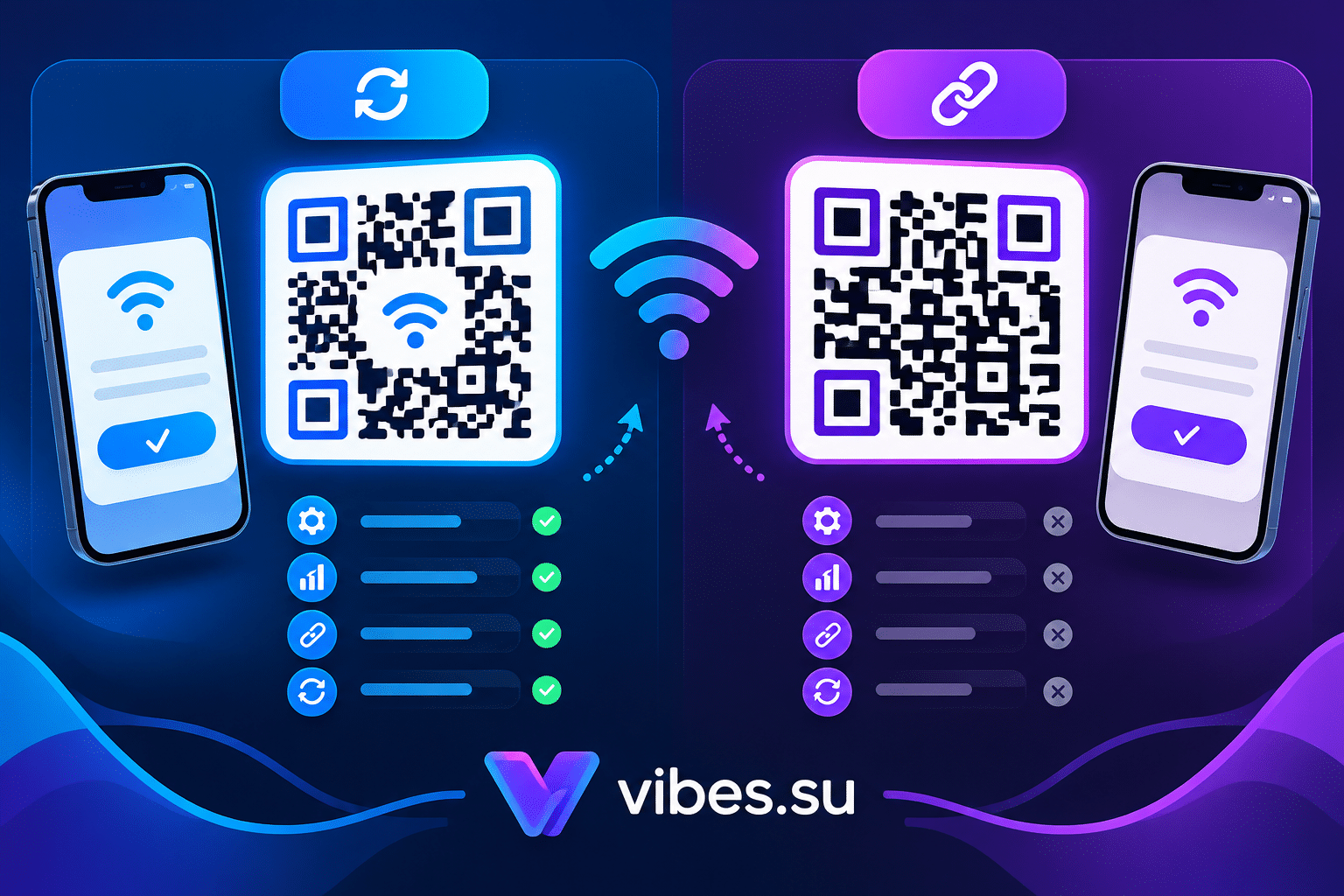
This is one of the most important decisions before printing. Static codes contain the destination directly and cannot be changed after printing. Dynamic codes contain a short link that redirects, and the destination can be changed at any time.
For packaging, dynamic codes are usually the better choice. Reasons:
— if the destination page changes, you do not need to reprint;
— if the product line is discontinued, you can redirect the code to a relevant page instead of a dead end;
— if you want to run a campaign after the product is already on shelves, you can update the destination;
— if you want to track scans over time, dynamic codes usually come with better analytics.
Static codes make sense only if you are certain the destination will never change and if you do not need scan-level analytics. For most packaging scenarios, dynamic is safer.
For a comparison of the two, see dynamic vs static WiFi QR codes — the same logic applies to packaging.
What you can track with packaging QR codes
The scans themselves are the data. What you do with them depends on what you want to know.
Basic tracking answers questions like:
— was the code scanned at all;
— how many times;
— from which locations;
— at what times;
— on which devices.
More advanced tracking can answer:
— did the product move from one region to another;
— how long did it stay in each stage;
— did it reach the intended destination;
— did customers scan it after purchase, and what did they do next.
The level of detail depends on how the codes are used and what the destination pages record.
Practical scenarios for packaging QR tracking
There are several scenarios where this approach is genuinely useful.
Scenario one: verifying delivery. A producer ships goods to a distributor. Each box has a QR code. When the distributor receives the shipment, they scan the codes to confirm arrival. The producer can see that the goods reached the destination.
Scenario two: monitoring shelf presence. A brand wants to know whether its products actually reach the shelf. Store employees or merchandisers scan the code when placing the product. Over time, the brand sees which stores are active and which are not.
Scenario three: connecting customers to product information. A customer buys a product and scans the code on the packaging. They land on a page with instructions, warranty information, or related products. The brand sees how many customers engaged.
Scenario four: tracing returns. A returned product is scanned at the return center. The brand can see the path the product took and compare it with the original shipment.
Scenario five: campaign activation. After a product is already in stores, the brand updates the destination of the QR code to a seasonal campaign. Customers who scan the code see the campaign, and the brand sees how many scans came from packaging.
What to consider before printing
Printing QR codes on packaging is not the same as printing them on a flyer. Packaging is physical, it travels, it gets handled, and it may stay in the world for years. A few things to consider in advance.
Size and placement. The code must be large enough to scan easily and placed where it will not be damaged, covered, or creased. On a box, the code should be on a flat surface, not on an edge or a fold.
Contrast and material. The code must stand out against the background. If the packaging is dark or patterned, the code needs a light, solid background. If the packaging is glossy, the code may glare under some lighting — matte finishes are usually safer.
Durability. The code must survive shipping, handling, and storage. If the packaging gets wet, dirty, or scratched, the code may become unreadable. Consider lamination or protective coating if needed.
Quantity and cost. If you print tens of thousands of units, changing the code later is expensive. This is another reason to use dynamic codes, so the printed code stays the same even if the destination changes.
Legal and regulatory considerations. In some industries, packaging is regulated. Adding a QR code may need to comply with labeling rules. Check before printing.
For a broader look at how QR codes work in physical environments, see QR code for events registration and check-in.
How to explain the scan to the person using it
A QR code on packaging does not explain itself. If the person scanning it does not know what to expect, they may not scan at all, or they may scan and be confused.
For internal use, a short instruction is enough: "Scan to confirm receipt" or "Scan to log delivery". The text should be clear and visible.
For customer-facing use, the text should give a reason to scan: "Scan for instructions", "Scan to register your product", "Scan for support". Vague phrases like "Scan me" do not work well because they do not explain what the person will get.
The text should be large enough to read from the distance a person would naturally look at the packaging.
How to measure whether it is working
After the codes are printed and products are in circulation, you need to know whether the tracking is actually happening.
Key indicators:
— how many codes are scanned compared to how many were printed;
— where the scans come from;
— when the scans happen;
— what happens after the scan.
If the scan rate is very low, it could mean the code is hard to find, hard to scan, or not explained well. If scans happen but nothing follows, the destination page may not be useful. If scans are concentrated in one region or one store, the tracking may not be reaching the intended audience.
The goal is not to maximize scans. The goal is to get the data you need to make decisions.
Limitations and things that can go wrong
Tracking with packaging QR codes is useful, but it has limits.
Not everyone will scan. If the code is used for internal tracking, this may not matter — the people scanning are the ones who are supposed to. If it is used for customer engagement, low scan rates are normal and should be expected.
Scans do not always mean what you think. A scan could be from a bot, from someone testing, or from a person who is not the intended user. Filtering and interpreting the data is part of the process.
The code can be damaged. Packaging gets handled roughly. If the code is not durable, some scans will be lost.
The destination page can change. If the page moves or is removed, the code will lead to a dead end. Dynamic codes help here, but they still require maintenance.
The data is not a full picture. It shows scans, not everything that happened to the product. It should complement other systems, not replace them.
When packaging QR tracking is not the right tool
This approach is not for every product or every situation.
If the product is very small, there may not be room for a scannable code. If the product is sold in bulk without individual packaging, there may be no natural place to put the code. If the tracking needs to be real-time and precise, a QR code alone will not provide that.
If the goal is only to track internal inventory, there may be better systems already in place: barcodes, RFID, warehouse management software. A QR code is a lightweight add-on, not a replacement.
If the goal is customer engagement, a QR code can work, but only if the customer has a reason to scan. Without that reason, the code will be ignored.
Frequently asked questions
Can a QR code on packaging track a product from warehouse to shelf?
It can record checkpoints along the way: when the product was packed, shipped, received, placed on a shelf, or purchased. It does not provide continuous real-time tracking, but it gives a useful picture of the journey.
Should I use dynamic or static QR codes on packaging?
Dynamic codes are usually better for packaging. They let you change the destination without reprinting, and they typically offer better analytics. Static codes make sense only if you are certain the destination will never change.
What happens if the QR code gets damaged?
If the code is damaged, it cannot be scanned. This is why durability matters: use protective coatings if needed, place the code on a flat, protected surface, and avoid folds and edges.
How do I get people to scan the code?
Give them a reason. Text next to the code should explain what they will get: instructions, warranty registration, support, or a relevant offer. Vague phrases do not work.
Can I track who scanned the code?
You can see the scan event: location, time, device, and what happened next. You do not get personal identity unless the user provides it (for example, by filling out a form after scanning).
Is this the same as a barcode or RFID?
No. A barcode or RFID is usually part of a dedicated inventory system with specialized scanners. A QR code works with ordinary phones, which makes it more flexible but also less precise for certain tracking tasks.
What if the product is already in stores and I want to change the destination?
If the QR code is dynamic, you can change the destination in the service without touching the printed packaging. If it is static, you cannot change it without reprinting.