Why event QR scan numbers are not enough
When you set up a QR code for an event, the first metric you look at is usually the number of scans. It is easy to track and easy to report. But scan counts alone do not tell you whether the code worked. They tell you how many times the code was scanned, not who scanned it, why, or whether those scans were useful. A high number of scans can hide the fact that the wrong audience is engaging. A low number can mask the fact that the right audience is engaging deeply.
For events, understanding who scans the code matters more than the total. If the code is meant for registered attendees, scans from outside that group are noise. If it is meant to capture new leads, scans from existing contacts do not add value. If it is meant to control access, scans from bots or from people sharing the code are a problem.
This article is about how to analyze who actually scans an event QR code, what signals to look at, and how to separate meaningful scans from noise.
What event QR codes are usually meant to do
Event QR codes serve several purposes, and each one has its own definition of a "good" scan.
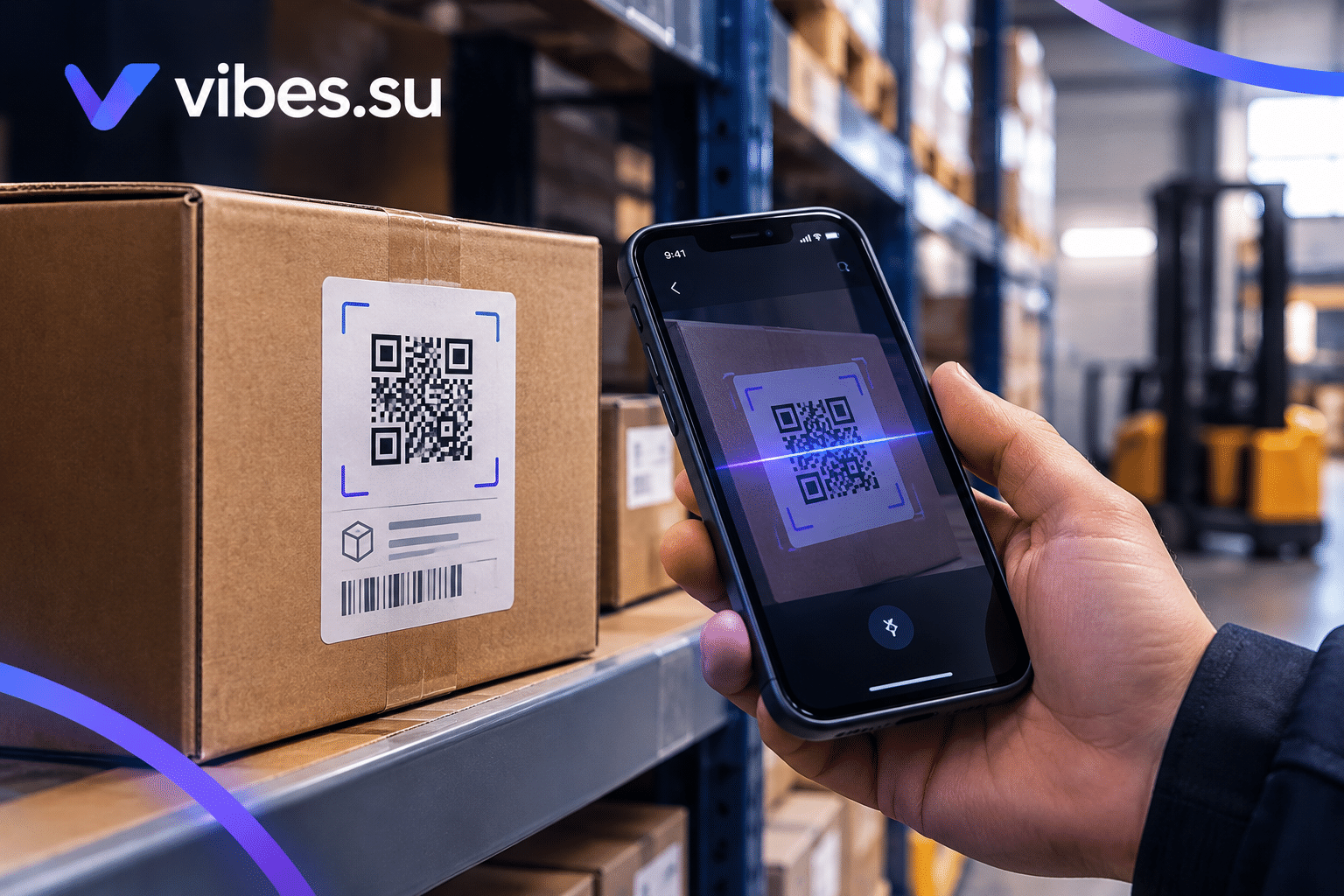
Check-in and access control. The code is scanned by attendees at the entrance to confirm they are present. A good scan here is one from a registered attendee at the right time and place.
Registration. The code leads to a registration form. A good scan is one from someone who has not registered yet but is interested in the event.
Session or materials access. The code gives access to slides, recordings, or additional content. A good scan is one from someone who actually engaged with the session.
Networking and contact exchange. The code leads to a contact card or profile. A good scan is one from someone who wants to connect.
Feedback and surveys. The code leads to a short survey. A good scan is one from someone who attended and is willing to share feedback.
The definition of a good scan changes depending on the purpose. Before analyzing data, it is worth being clear about what the code is supposed to achieve.
Signals that indicate who is scanning
Even without deep analytics, several signals can help you understand who is behind the scans.
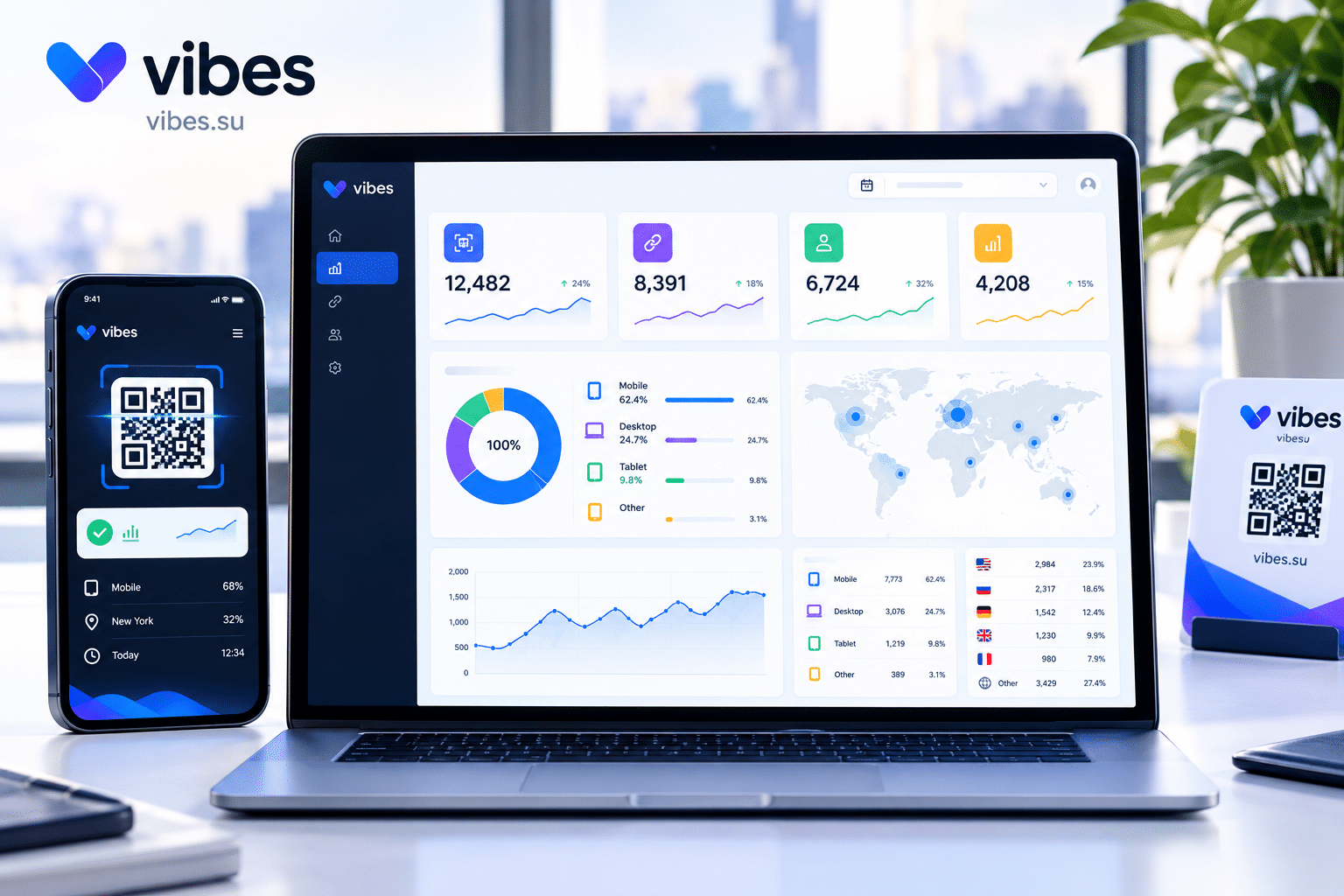
Device type. Most real attendees scan with a phone. A large share of scans from desktop browsers is suspicious.
Location. If the event is in one place, scans should come from that place or nearby. Scans from other regions may be people who shared the code, bots, or people scanning the materials remotely.
Time. Scans should cluster around the event schedule: before the event, during check-in, during sessions, after the event. A flat distribution across the day is unusual for a live event.
Repeat scans. If the same device scans the same code many times, it could be a person testing, a bot, or a glitch. A small number of repeat scans is normal; a large number is not.
Engagement after scan. If people scan the code and then do nothing, those scans are less meaningful. If they fill out a form, download materials, or click through, the scans are more likely to be real.
Conversion. If the code leads to registration or a survey, the number of completed actions relative to scans tells you how many scans were from people who actually cared.
These signals together give a much clearer picture than scan count alone.
Common sources of noise in event QR data
Not every scan is meaningful. Several sources of noise can inflate or distort the numbers.
Bots and crawlers. Automated tools scan links, including QR-linked URLs, if they are exposed on the web. This is especially common if the destination URL is published somewhere outside the code.
People sharing the code. If attendees share the QR code with others, the scans may come from people who were not at the event. This can be useful or unwanted, depending on the purpose.
Testing scans. Before the event, staff may scan the code multiple times to verify it works. These scans are legitimate but not representative of the audience.
Scans from the wrong session. If the code is reused across sessions or events, scans may come from people who were in a different context.
Prefetching. Some services and apps open links before a user actually clicks, which can register a scan even if no one intentionally scanned the code.
Each of these adds to the scan count without adding meaningful engagement. Filtering them out is part of the analysis.
How to separate meaningful scans from noise
There is no perfect filter, but a combination of methods usually works.
Segment by device and location. Focus on mobile devices from the event region. This removes a large share of bot traffic and remote scans.
Segment by time. Focus on scans that fall within the event window. Scans before check-in or days after the event may be less relevant.
Segment by engagement. Focus on scans that led to an action: registration, check-in, download, form submission. Scans that led to no action are less meaningful.
Cross-reference with registration data. If you have a list of registered attendees, compare scans with that list. Scans from outside the list are likely not attendees.
Look for patterns. A sudden spike of scans from one region or one device type is more likely to be noise than a gradual increase across the audience.
Use the data that fits the purpose. For access control, only scans that match a registered attendee count. For lead capture, only scans that led to a form submission count. For materials access, only scans that led to a download count.
For a broader look at how QR codes support event registration and check-in, see QR code for events registration and check-in.
What to do when the audience is not the one you expected
Sometimes the analysis reveals that the people scanning the code are not the ones you were trying to reach. This is useful information, not a failure.
If scans are coming from outside the event, it may mean the code is being shared more widely than intended. If that is not wanted, consider limiting the code to the event location or using a password.
If scans are coming from attendees but not converting, the destination page may not be matching their expectations. Improve the page or the offer.
If scans are low but conversions are high, the code is working for a small, engaged audience. This may be fine if the goal is quality over quantity.
If scans are high but conversions are low, the code may be attracting the wrong audience. Reconsider where the code is placed and how it is presented.
In each case, the data tells you something useful. The question is what to do with it.
How to improve who scans the code
Once you understand who is scanning, you can adjust to attract the right audience.
Change placement. If the code is placed where the wrong people see it, move it to where the right people will find it.
Change messaging. The text around the code should tell the intended audience that this is for them. Generic text attracts generic scans.
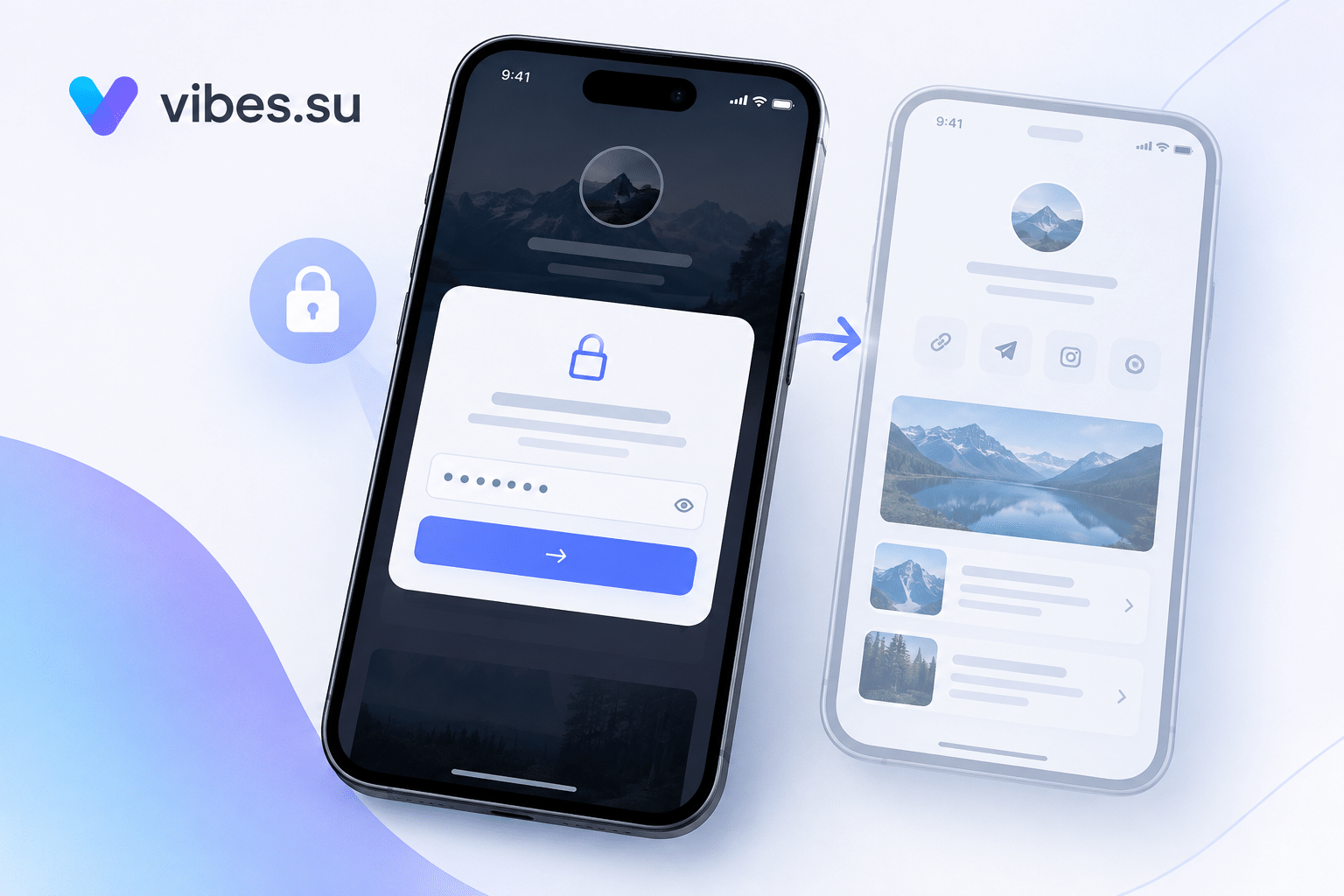
Change access. If the code should only be used by attendees, consider making it time-limited or password-protected.
Change the destination. If the page does not match the audience, the scans may be lower or less engaged. Make the page more relevant.
Change the event structure. Sometimes the issue is not the code but the event itself: the code is placed where the intended audience is not present. Adjusting the event layout or schedule can help.
These changes are iterative. You measure, adjust, and measure again.
What to report to stakeholders
If you report QR performance to a team or client, be clear about what the numbers mean.
Report both raw scans and filtered scans, with a brief explanation of the difference. Raw scans show total activity; filtered scans show meaningful engagement.
Report engagement metrics alongside scan counts. Scans that led to check-in, registration, or downloads are more valuable than scans that led to nothing.
Report audience composition if you have it: device type, location, time window. This helps stakeholders understand who actually engaged.
Avoid presenting scan counts as the main success metric. They are a starting point, not the end result.
For a related look at how other link data can be tracked, see Telegram notifications for short links.
Frequently asked questions
Why do scan counts alone not tell me if my event QR code worked?
Scan counts tell you how many times the code was scanned, not who scanned it or whether the scan was meaningful. The same count can come from the right audience or from bots and random users. To know if the code worked, you need to look at who scanned and what they did next.
How can I tell if a scan is from a real attendee?
Look at device type, location, time, and engagement. Real attendees usually scan from mobile devices in the event area during the event window, and their scans lead to some action. Scans from desktop browsers, from other regions, or with no engagement are less likely to be real attendees.
What if my QR code is being shared outside the event?
This can be useful or unwanted, depending on the purpose. If the code is meant for attendees only, consider limiting it by time, location, or password. If it is meant to spread, sharing is not a problem.
How do I filter out bot scans?
Focus on mobile devices from the event region, during the event window, with engagement after the scan. This combination removes most bot traffic without removing real attendees.
What should I do if the scans are from the wrong audience?
Adjust placement, messaging, access, and destination. The goal is to make the code more relevant to the intended audience and less visible to others.
Is a high number of scans always good?
No. High scans can come from bots, from code sharing, or from people who are not the intended audience. High scans with low engagement may indicate a problem rather than success.
What should I report to stakeholders?
Report raw scans, filtered scans, engagement metrics, and audience composition if available. Explain the difference between total activity and meaningful engagement, and avoid presenting scan counts as the main success metric.