Why a password on a bio page is not just a security feature
When people think about password protection, they usually think about security. Something needs to be kept safe, so a password is placed in front of it. That is true, but it is only part of the picture. On a bio page, a password is often less about keeping intruders out and more about creating a specific kind of access: content that is meant for one person, one client, or one group, rather than for the public.
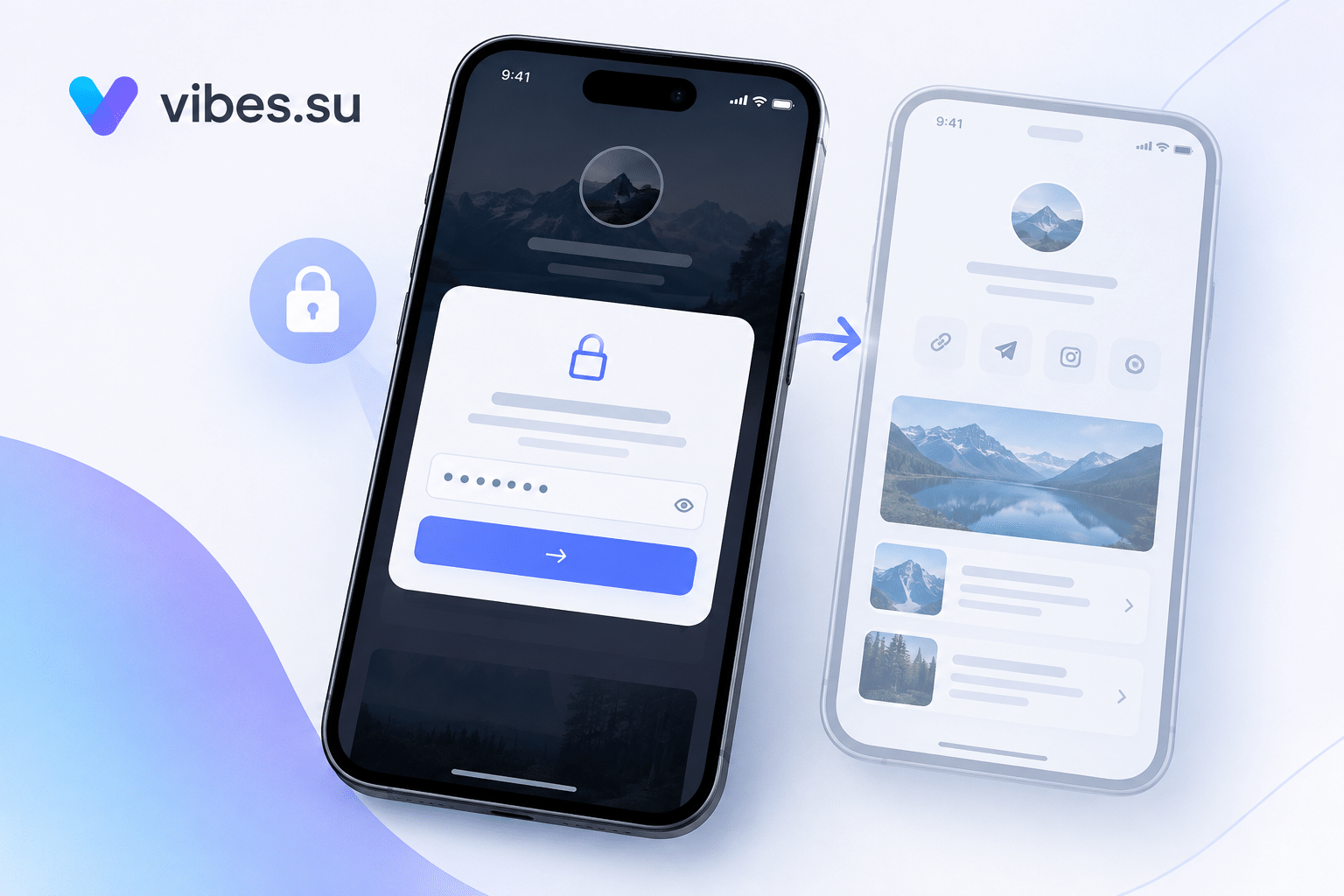
This changes how you think about the page. It is no longer just a public list of links. It becomes a controlled space where you can place something that should not be indexed, should not be shared widely, and should not be seen by anyone who happens to find the URL. The password is what turns a public page into a private one.
This article is about the scenarios where that actually matters. It is not about how to set up password protection; it is about when and why to use it, and what problems it solves in practice.
Use case one: sending a proposal to a client
One of the most common and most useful scenarios is sending a proposal. A client asks for a quote, a plan, a scope of work, or a project description. You prepare it, and you need to send it in a way that feels professional and personal.
A password-protected bio page works well here. You create a page with the proposal content, links to relevant materials, and a clear next step. You protect it with a password and send both the link and the password to the client.
Why this is better than a plain document attachment:
— the page can be updated after sending, without resending the file;
— you can include links, videos, and interactive elements that a document cannot hold;
— you can see whether the client opened the page, if analytics are available;
— the proposal feels more curated than a generic PDF.
The password here is not about secrecy in a strict sense. It is about making the page personal and controlled.
Use case two: sharing a project draft or prototype
When you are working on a project, there is often a stage where you need to show something before it is finished. A draft, a prototype, a mockup, a preview. This is not ready for public view, but it does need to be seen by the client or by a small group.
A password-protected bio page is a good fit. You place the preview materials on the page, protect it, and share the link with the people who need to see it. When the project moves forward, you can update the page or replace the content without changing the link.
This is especially useful when the materials are visual: design drafts, video previews, interactive demos. A bio page handles these better than most document formats, and the password keeps the content from being indexed or stumbled upon.
Use case three: private content for a client
Sometimes a client needs ongoing access to materials that are not for public view. A client portal is one option, but it is often more than what is needed. A password-protected bio page can serve the same purpose in a much simpler form.
Examples:
— a client receives a set of documents, links, or resources that they should be able to reach at any time;
— a client has access to a private set of links: booking, support, invoices, communication channels;
— a client needs a single page with everything related to their project, updated over time.
The password is shared with the client and, if needed, with their team. The page becomes a small, private hub that does not require building a full portal.
For a broader look at how bio pages serve client relationships, see password-protected bio page for clients.
Use case four: early access for a group
If you are preparing to launch something and want to give early access to a small group — beta testers, subscribers, partners — a password-protected bio page is a simple way to do it.
You create a page with the early access content, protect it, and share the password only with the intended group. When the public launch happens, you can either remove the password or replace the content with the public version.
This works well because:
— the same page can serve as both early access and public page, with just a password removed;
— you can control who gets access without building a full login system;
— you can see whether the group actually used the content.
The password is not about security here. It is about creating a sense of being included, and about keeping the content from spreading before you are ready.
Use case five: materials for a specific event or group
Some content is only relevant for a short period or for a specific group. A workshop, a course, a retreat, a training session. The materials may not need to be public forever, but they do need to be accessible to participants.
A password-protected bio page works well. You place the materials on the page, protect it, and share the password with participants. After the event, you can keep the page up for those who want to revisit it, or take it down.
This is better than sending files individually, because:
— participants have a single place to return to;
— you can update or add materials without sending new links;
— the content stays out of search engines.
Use case six: internal team resources
Small teams often need a shared space for links, documents, and references. A full internal portal may be overkill. A password-protected bio page can serve as a lightweight internal hub.
Examples:
— links to tools and dashboards;
— company documents and templates;
— onboarding materials for new team members;
— references for ongoing projects.
The password is shared only within the team. The page is not indexed, not public, and not linked from anywhere outside the team's communication channels.
Use case seven: family or personal private pages
Password protection is not only for business. There are personal scenarios where a private page makes sense.
Examples:
— a page with event details for a private gathering, accessible only to invited guests;
— a page with family resources: photos, documents, shared links;
— a page with recommendations or materials for a small group of friends.
These scenarios do not need enterprise-level security. They need a simple way to keep content out of public view while still being easy to access for the right people.
When password protection is the wrong choice
Password protection solves specific problems. It is not always the right tool.
If the content is meant for the public, a password adds unnecessary friction. If the audience is large and constantly changing, sharing a password becomes impractical. If real security is required — sensitive data, personal information, legal documents — a password-protected bio page is usually not the right level of protection.
The password on a bio page is best understood as a soft gate. It keeps content out of search results, prevents accidental discovery, and creates a sense of privacy. It is not a substitute for proper access management when that is genuinely needed.
For comparison, see how short links can also be gated for specific scenarios: URL rotation and A/B testing for short links.
How to choose what to put behind a password
Not everything needs protection. A few questions help decide.
Is this content meant for one person or a small group? If yes, a password makes sense.
Would it be a problem if this content appeared in search results? If yes, protect it.
Is this content likely to change over time, and do the same people need ongoing access? If yes, a protected page is a good fit.
Is this content sensitive in a way that requires real security? If yes, a password alone is not enough.
Is this content something you would send in a private message anyway? If yes, a protected page is often cleaner than sending multiple files or links.
How to share the password
The password is only useful if the right people have it. How you share it matters.
For a single client: send the link and the password separately, or through different channels, if the content is sensitive.
For a group: share the password in a way that is easy for them to find, such as a pinned message or a confirmation email.
For long-term access: make sure the recipient knows where to find the password if they lose it.
For temporary access: decide in advance when you will change or remove the password, and tell the recipients.
The goal is to make access easy for the right people and hard for everyone else. That usually means separating the link from the password, or at least not publishing both together.
How to know the page is being used
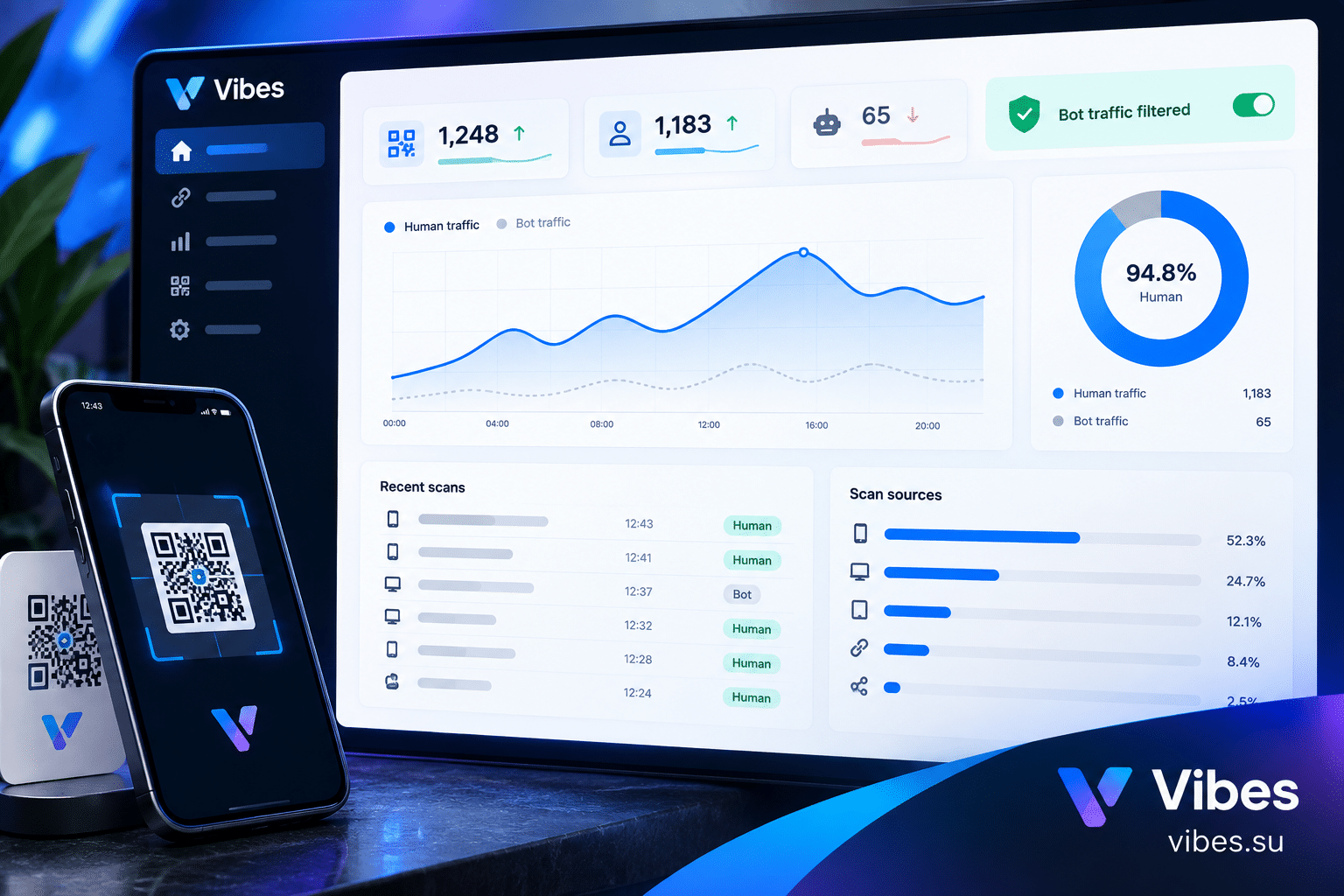
One advantage of a bio page over a plain document is that you can see whether it is being used, if analytics are available.
You can see:
— whether the page was opened at all;
— how many times it was opened;
— which links inside the page were clicked;
— when the page was last visited.
This is useful in several ways. You know whether a client actually looked at the proposal. You know whether a team member used the internal resources. You know whether participants returned to the event materials.
For a broader look at tracking engagement through pages and links, see Telegram notifications for short links.
Common mistakes with password-protected bio pages
A few mistakes come up often.
Mistake one: using a password when none is needed. If the content is public, a password only adds friction and can confuse users.
Mistake two: using the same password for everything. It is easier to remember, but it also means that if one person shares it, all your protected pages become accessible.
Mistake three: forgetting to remove the password when the content becomes public. If you plan to make content public eventually, remember to update the page.
Mistake four: sharing the link and the password together in a public place. This defeats the purpose of protection.
Mistake five: not telling recipients what the password is for. If someone receives a link and a password without context, they may not use it.
Mistake six: treating a password as stronger security than it is. A password on a bio page protects against casual discovery, not against a determined attacker.
Frequently asked questions
What is a password-protected bio page used for?
It is used when you want to share content with specific people without making it public. Common scenarios include client proposals, project drafts, private client resources, early access for a group, event materials, internal team resources, and personal private pages.
Is a password-protected bio page secure?
It provides a basic level of protection: content is not indexed, not publicly visible, and requires a password to access. It is not a substitute for proper security when handling sensitive data. Think of it as a soft gate, not a vault.
Can I share the same page with multiple people?
Yes. You can share one link and one password with a group, or use different pages for different audiences. The choice depends on whether the content is the same for everyone.
What happens if someone shares the password with others?
Anyone with the password can access the page. If the content is sensitive, use a unique password per page or per person, and change it if you suspect it has been shared too widely.
Should I use a password for a proposal or just send a PDF?
A password-protected bio page is often better: it can include links, videos, and interactive elements; it can be updated after sending; and you can see whether it was opened. A PDF is fine for simple documents, but a page offers more flexibility.
How do I remove the password later?
This depends on the service you use. In most cases, you can turn off password protection in the page settings, making the page publicly accessible. If you plan to do this, tell the recipients in advance.
Can I use a password-protected bio page for internal team resources?
Yes, as long as the content is not sensitive in a way that requires stricter access control. A shared password within the team works for links, documents, and references that are not meant for the public.