Why your app loses users at the door
You built a mobile app. You have users who downloaded it. You send them a link in an email, in a Telegram message, in a social media post. They tap the link. And they land on your website. Or on the App Store. Or on a blank page. Not in your app. Not where you wanted them to go.
This is the friction that kills app engagement. A user clicks a link expecting to open your app and see a specific product, a specific article, a specific screen. Instead, they see a browser. They have to find the app, open it manually, navigate to the right place. Most of them give up. In most marketing campaigns, 60 to 70 percent of users abandon the journey at this point. You paid to acquire that user. You lost them at the click.
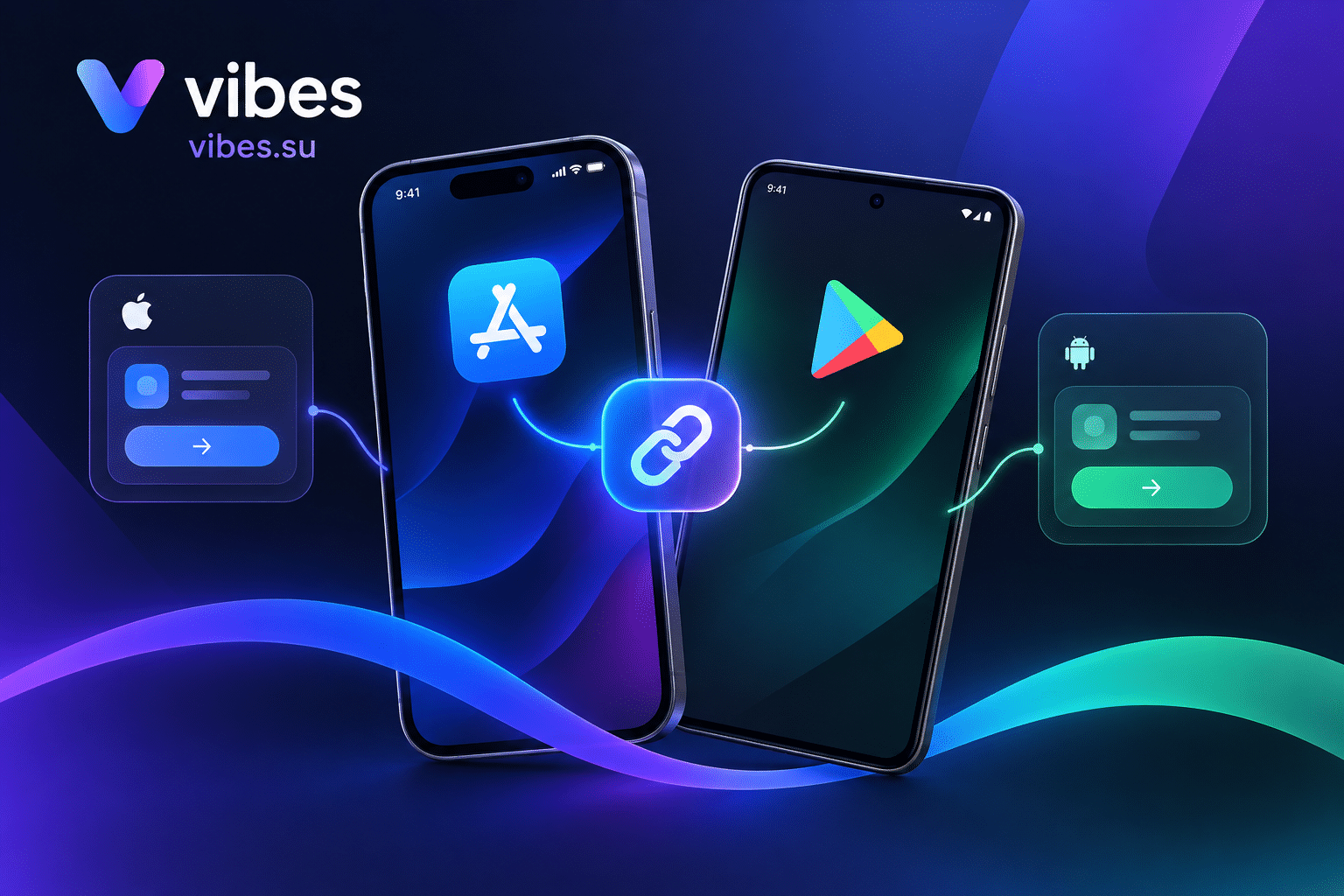
Deep links solve this. A deep link sends the user directly into your app, to the exact screen they wanted. If the app is installed, it opens. If it is not installed, the user goes to the App Store, installs the app, and then lands on the right screen after installation. This is called a deferred deep link.
The result: conversion rates increase two to three times compared to non-deep-linked flows. Users get to where they wanted to go. You keep the engagement you paid for.
This guide shows you how to set up deep links in Vibes for iOS and Android, and how to track every open.
What are deep links and why they matter
A deep link is a URL that opens a specific screen inside your mobile app instead of a web page. There are several types of deep links, and understanding the difference matters.
Standard deep links use a custom URL scheme. For example, yourapp://product/12345. These work only if the app is installed. If the app is not installed, the link fails. There is no web fallback. This is the oldest type of deep linking.
Universal Links (iOS) use standard HTTPS URLs. When a user taps a link that matches your Universal Links configuration, iOS opens your app directly instead of Safari. If the app is not installed, the link opens in the browser. This is Apple recommended approach.
App Links (Android) are Google equivalent. When a verified HTTPS link matches your App Links configuration, Android opens your app instead of the browser. If the app is not installed, the link falls back to the web. This is Google recommended approach.
Deferred deep links work even when the app is not installed. The user clicks a link, goes to the App Store or Google Play, installs the app, and then on first open the app receives the original link context and navigates to the specific screen. This is the most powerful type for marketing campaigns.
Why does this matter for your business? Because every additional step in the user journey loses people. Without deep links, the journey is: click link, land on web page, find app, open app, navigate to content. With deep links, the journey is: click link, app opens to content. Three steps eliminated. That is why deep links improve conversion by two to three times.
How to set up deep links in Vibes: step-by-step
Step one: create a short link in Vibes
Log in to your Vibes dashboard and go to the short links section. Create a new short link. Enter the destination URL. This can be your website, or a specific page. But for deep linking, you will add additional configuration.
Step two: enable Deep Links for the link
In the link settings, find the Deep Links option. Enable it. Vibes supports Deep Links as a feature of short links. When enabled, you can specify what happens when the link is opened on a mobile device.
You will need to provide two pieces of information: the iOS app identifier and the Android app package name. These tell Vibes which app to open if it is installed.
Step three: configure iOS Universal Links
For iOS, you need to set up Universal Links. This requires two things on your side: a file on your website and an entitlement in your app.
First, create an apple-app-site-association file. This is a JSON file that tells iOS which app should handle which URLs on your domain. Place this file at https://yourdomain.com/.well-known/apple-app-site-association. The file should list your app ID and the URL paths your app handles.
Second, add the Associated Domains entitlement to your app in Xcode. Add applinks:yourdomain.com to the domains list.
When a user taps a link that matches your domain and path, iOS opens your app directly. If the app is not installed, the link opens in Safari.
Step four: configure Android App Links
For Android, you need to set up App Links. This also requires two things: a file on your website and an intent filter in your app.
First, create a Digital Asset Links file. This is a JSON file that verifies your app owns the domain. Place it at https://yourdomain.com/.well-known/assetlinks.json. It should include your package name and the SHA256 fingerprint of your signing certificate.
Second, add an intent filter to your AndroidManifest.xml. The filter should include the android:autoVerify="true" attribute and the data elements for your domain.
When a user taps a verified link, Android opens your app directly. If the app is not installed, the link opens in the browser.
Step five: set up deferred deep linking
Deferred deep linking is what makes deep links powerful for marketing. When a user clicks a link but does not have the app installed, they go to the store. After installation, the app should open to the screen they originally wanted to see.
In Vibes, deferred deep linking is handled by the platform. When you enable Deep Links on a short link, Vibes stores the context of the click. When the user installs the app and opens it, the app can retrieve this context and navigate to the right screen.
This requires integration in your app. Your app needs to call the Vibes API on first launch to check if there is a deferred deep link waiting. If there is, the app navigates to the specified screen.
Step six: test your deep links
Before you launch a campaign, test your deep links. Open the short link on a device where the app is installed. The app should open to the correct screen. Then test on a device where the app is not installed. The user should go to the store, install, and then land on the correct screen.
If the app does not open, check your Universal Links or App Links configuration. Common issues include incorrect file paths, missing entitlements, or SSL certificate problems.
Step seven: track deep link opens
Vibes tracks clicks on short links. With Deep Links enabled, you can see how many people clicked, how many opened the app, and how many installed the app through a deferred deep link. This data tells you which campaigns drive the most app engagement.
Scenario: e-commerce app with product links
You run an e-commerce app. You send a promotional email with a link to a specific product. Without deep links, the user clicks the link, lands on your mobile website, and has to find the app and search for the product. Many give up.
With deep links, the user clicks the link. If they have the app, it opens directly to the product page. If they do not have the app, they go to the App Store, install it, and then land on the product page automatically.
In Vibes, you create a short link for the product. Enable Deep Links. Configure the iOS and Android app identifiers. Share the link in your email. The analytics show you how many users opened the app and viewed the product.
Scenario: content app with article links
You run a news or content app. You share links to articles on social media. Without deep links, users land on your mobile website. They read the article there, but they do not open the app. You lose the chance to engage them with push notifications and in-app features.
With deep links, the user taps the link and the app opens directly to the article. They read it in the app. They are now logged in, they can save the article, they can enable notifications. You keep the user in your ecosystem.
In Vibes, you create a short link for each article. Enable Deep Links. Track which articles drive the most app opens.
Scenario: SaaS app with onboarding links
You run a SaaS product with a mobile app. You send onboarding emails to new users. The emails contain links to specific setup steps. Without deep links, users land on your website and have to find the app and navigate to the right screen.
With deep links, the email link opens the app directly to the setup step. The user completes onboarding faster. They are more likely to stay.
In Vibes, you create a short link for each onboarding step. Enable Deep Links. Track how many users complete each step.
Common mistakes with deep links
The first mistake is not testing on both platforms. A deep link that works on iOS might fail on Android. Test both before launching a campaign.
The second mistake is not setting up the association files correctly. If the apple-app-site-association file is missing or malformed, Universal Links will not work. The same applies to the Digital Asset Links file for Android.
The third mistake is ignoring the fallback. If the app is not installed, the user should go to the store. If the fallback is not configured, the user sees an error. Always test the no-app scenario.
The fourth mistake is not tracking. If you do not track deep link opens, you do not know which campaigns work. Use Vibes analytics to see the data.
The fifth mistake is using the wrong URL scheme. Custom schemes like yourapp:// work only if the app is installed. For marketing campaigns, use Universal Links or App Links, which have a web fallback.
FAQ
Do I need a developer to set up deep links?
You need a developer to configure the app side: adding the Associated Domains entitlement for iOS and the intent filter for Android. But the link creation and configuration in Vibes can be done without code.
What is a deferred deep link?
A deferred deep link works when the app is not installed. The user clicks a link, goes to the store, installs the app, and then lands on the specific screen they originally wanted to see.
Can I use deep links with QR codes?
Yes. You can create a QR code that contains a deep link. When someone scans it with their phone, the app opens directly to the configured screen. This is useful for offline campaigns.
How do I track deep link opens?
In Vibes, when you enable Deep Links on a short link, the analytics show clicks, app opens, and installs. You can see which links drive the most engagement.
What happens if the user does not have the app installed?
With Universal Links and App Links, the user goes to the web version of the link. With deferred deep linking, the user goes to the App Store or Google Play, installs the app, and then lands on the specific screen.
Can I use deep links for push notifications?
Yes. Deep links work in push notifications, emails, SMS, and social media posts. The link format is the same. Just make sure the destination is a deep link, not a web page.
Final thoughts
Deep links are not a nice-to-have. They are essential for any app that wants to convert users from marketing campaigns. Without them, you lose most of your users at the click. With them, conversion rates increase two to three times.
Setting up deep links in Vibes is straightforward. Create a short link, enable Deep Links, configure the app identifiers. Test on both platforms. Track the results.
Start with one campaign. Create a deep link for a product page or an article. Share it in an email or a social post. See how many users open the app. Then scale to more campaigns. The data will show you what works.
Set up Deep Links in Vibes. Deep Links are available on the Pro plan. Sign up and create your first deep link. Compare plans at Pricing. To learn more about short link tracking, read our guide on tracking link clicks. To understand how to use UTM parameters with deep links, see UTM parameters guide.