Why static hosting fits product documentation
Product documentation has a few characteristics that make static hosting a natural fit. It changes less often than a blog or a news site. It benefits from speed. It needs to be reliable. And it usually does not require user accounts or dynamic content. These are exactly the conditions where a static host works well.
A static documentation site is a set of HTML pages, CSS, and JavaScript files served as-is. There is no database, no CMS, no server-side logic. The pages are pre-built and delivered quickly. For readers, this means fast loading and predictable behavior. For the team maintaining the docs, it means fewer moving parts and fewer things that can break.
This article is about hosting product documentation on a static host: what works well, what to watch out for, and how to keep the docs fast, accurate, and maintainable.
What makes static hosting suitable for documentation
Documentation is often read in short sessions: a user looks up a specific topic, reads the relevant section, and leaves. Speed matters. A static host delivers pages quickly because there is no server-side processing.
Documentation also tends to be stable. Once a feature is documented, the page may stay unchanged for months. This means the content does not need constant regeneration, which is where static hosting shines.
Documentation is often accessed from mobile devices, sometimes in poor network conditions. Static pages load faster and consume less bandwidth than dynamic pages.
Documentation is also a good fit for search engines: static pages are easy to crawl and index, and structured content helps users find the right page.
Finally, documentation is often public. There is no need for login, personalization, or dynamic content. This removes most of the reasons to use a dynamic CMS.
What to consider before choosing static hosting
Static hosting is a good fit for many documentation sites, but not all. A few things to consider.
Content volume. A small to medium documentation site (up to a few hundred pages) works well on a static host. Very large documentation sites may need more advanced search and navigation, which can be harder to build statically.
Search. Static sites need a search solution. Some static site generators include built-in search; others require a third-party service. This is an important decision early on.
Versioning. If the documentation has multiple versions (for different product releases), the static site needs a way to handle versioning. This is possible but requires planning.
Updates. Static sites need a build step to publish changes. If the team is not comfortable with a build process, this can be a barrier.
Collaboration. If multiple people edit the documentation, the workflow needs to support collaboration. Some static site generators work well with Git-based workflows; others require a different approach.
If these considerations are manageable, static hosting is a strong choice. If not, a dynamic CMS may be more appropriate.
How to structure documentation on a static host
The structure of the documentation matters for both readers and search engines.
Start with a clear hierarchy. A typical structure includes:
— getting started;
— core concepts;
— how-to guides;
— reference;
— troubleshooting;
— FAQ.
Each section should have its own landing page that explains what is covered and links to the relevant pages.
Use consistent URLs. A predictable URL structure helps both readers and search engines. For example, /docs/getting-started/, /docs/concepts/, /docs/reference/.
Keep pages focused. A page that covers one topic is easier to read and easier to link to than a page that tries to cover everything.
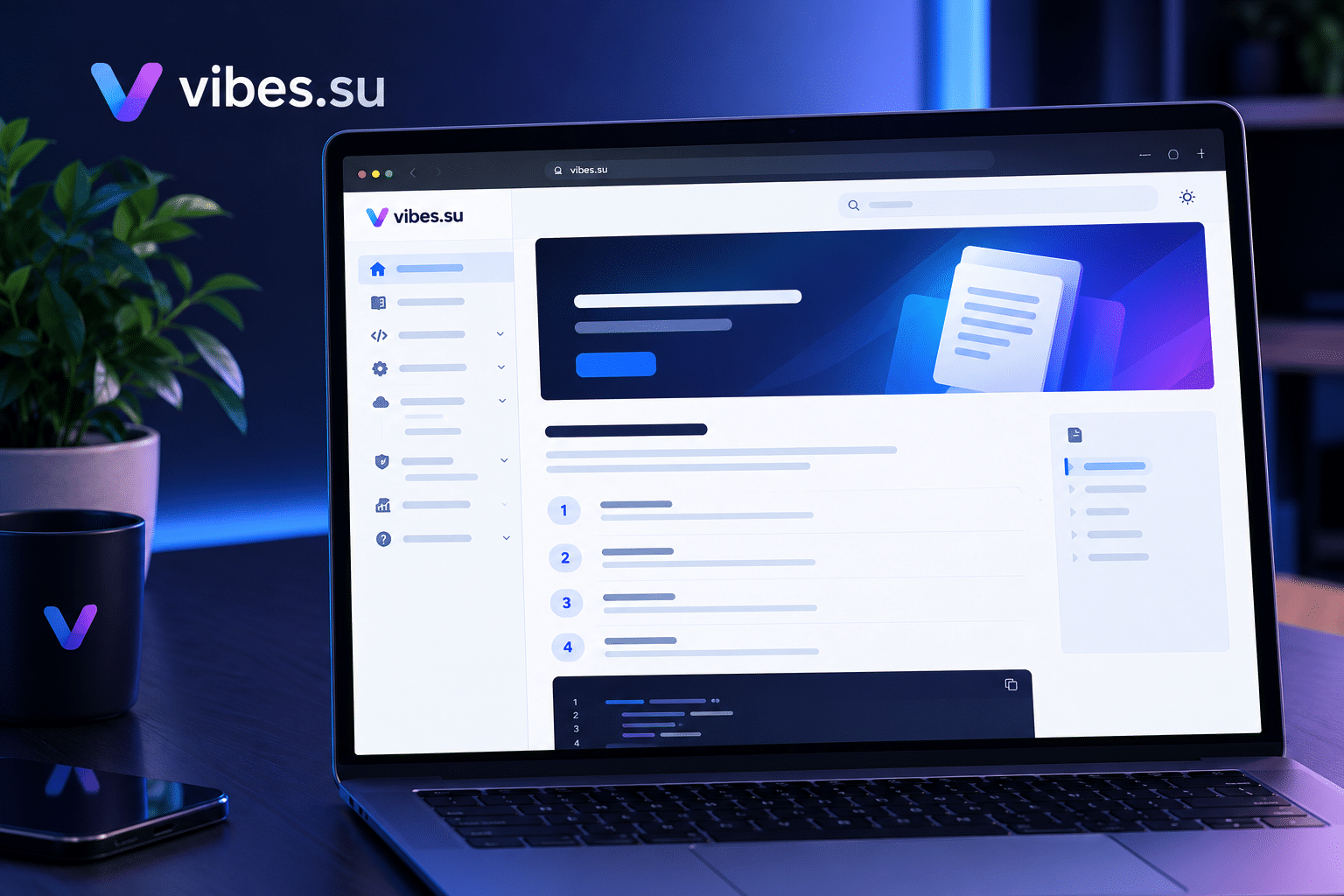
Add navigation. A sidebar, a table of contents, and breadcrumbs help readers move through the documentation.
Include search. Even a simple search helps readers find what they need quickly.
For an example of how static sites are used for other purposes, see static portfolio site for photographers without code.
How to handle search on a static documentation site
Search is one of the most important features of documentation, and one of the trickiest to implement on a static site.
Options:
— built-in search from the static site generator;
— a third-party search service that indexes the site;
— a client-side search that loads an index and searches it in the browser;
— a combination of these.
Each option has trade-offs. Built-in search is convenient but may be limited. Third-party services are powerful but add a dependency. Client-side search is fast but may not scale to very large documentation sites.
The choice depends on the size of the documentation and the needs of the readers. For small sites, client-side search is often enough. For larger sites, a dedicated search service may be better.
How to keep documentation up to date
Documentation that is out of date is worse than no documentation. Keeping it current is part of the job.
A few practices that help:
— link documentation updates to product releases;
— review documentation regularly, not just when something breaks;
— assign ownership: someone should be responsible for each section;
— collect feedback from readers and act on it;
— remove or archive outdated pages instead of leaving them online;
— add a "last updated" date to pages so readers know how current the information is.
Static hosting makes publishing updates easy: once the changes are built, they go live. The challenge is the process around it, not the hosting itself.
How to handle versioning
If the product has multiple versions, the documentation needs to reflect that.
Common approaches:
— separate directories for each version (/docs/v1/, /docs/v2/);
— a version selector in the navigation;
— a default version that most readers see;
— clear labeling of which version each page refers to.
Versioning adds complexity. It is worth doing only if the product actually has multiple versions that readers need to access. If the product is updated continuously and old versions are not supported, versioning may not be necessary.
How to handle access control
Most documentation is public, but some may need to be restricted.
Options for restricting access to static documentation:
— password protection at the host level;
— a separate protected section for internal docs;
— a token-based access system for specific readers.
For a deeper look at password protection, see password-protected bio page for clients — the same principles apply to protected documentation.
If most of the documentation is public and only a small part needs protection, it may be simpler to keep the public docs on the static host and move the protected part to a separate system.
Common mistakes with static documentation
A few mistakes come up often enough to be worth naming.
Mistake one: no search. Documentation without search is hard to use, especially as it grows.
Mistake two: poor navigation. If readers cannot find their way around, they leave.
Mistake three: outdated content. Documentation that is not maintained loses trust quickly.
Mistake four: no versioning when it is needed. If the product has multiple versions, readers need to know which one they are reading.
Mistake five: no feedback mechanism. If readers cannot report problems, issues go unnoticed.
Mistake six: ignoring mobile. Most readers access documentation on mobile at least some of the time.
Mistake seven: no plan for updates. If updating documentation is hard, it will not get done.
When static hosting is not the right choice for documentation
Static hosting works well for many documentation sites, but not all.
If the documentation requires user-specific content (for example, personalized guides based on the user's account), a dynamic system is needed.
If the documentation needs real-time collaboration (multiple people editing simultaneously), a dynamic CMS may be better.
If the documentation needs complex search with advanced filters and analytics, a dedicated search service may be required.
If the team is not comfortable with build processes and Git workflows, a simpler CMS may be a better fit.
In these cases, a dynamic CMS may be the right choice, even if it comes with more complexity.
Frequently asked questions
Can I host product documentation on a static host?
Yes, for most documentation sites. Static hosting works well when the content is public, changes less frequently, and does not require user-specific features. It provides fast loading, reliability, and simplicity.
How do I add search to static documentation?
Options include built-in search from the static site generator, a third-party search service, or client-side search that loads an index in the browser. The choice depends on the size of the documentation and the needs of the readers.
How do I handle multiple versions of documentation?
Use separate directories for each version, a version selector in the navigation, and clear labeling of which version each page refers to. Versioning adds complexity, so it is worth doing only if the product actually has multiple versions that readers need to access.
Can I protect part of the documentation?
Yes, using password protection at the host level or a separate protected section. If only a small part needs protection, it may be simpler to keep the public docs on the static host and move the protected part to a separate system.
How do I keep documentation up to date?
Link documentation updates to product releases, review regularly, assign ownership, collect feedback, remove outdated pages, and add a "last updated" date to pages. Static hosting makes publishing updates easy; the challenge is the process around it.
When is static hosting not the right choice for documentation?
When the documentation requires user-specific content, real-time collaboration, complex search, or when the team is not comfortable with build processes and Git workflows. In these cases, a dynamic CMS may be better.
What is the biggest mistake with static documentation?
No search and poor navigation. Documentation that is hard to navigate is hard to use, regardless of how fast it loads.