Why your portfolio should not live only on social media
You post your best work on social media. It gets likes. Then it disappears. The algorithm buries it under newer posts from other accounts. A potential client visits your profile, sees ten recent photos, and has no idea what you are actually capable of. They cannot tell whether you shoot weddings or products, whether you work in a studio or on location, whether you have ten years of experience or ten months. Your portfolio is not a feed. It is a body of work. And it needs a home that you control.
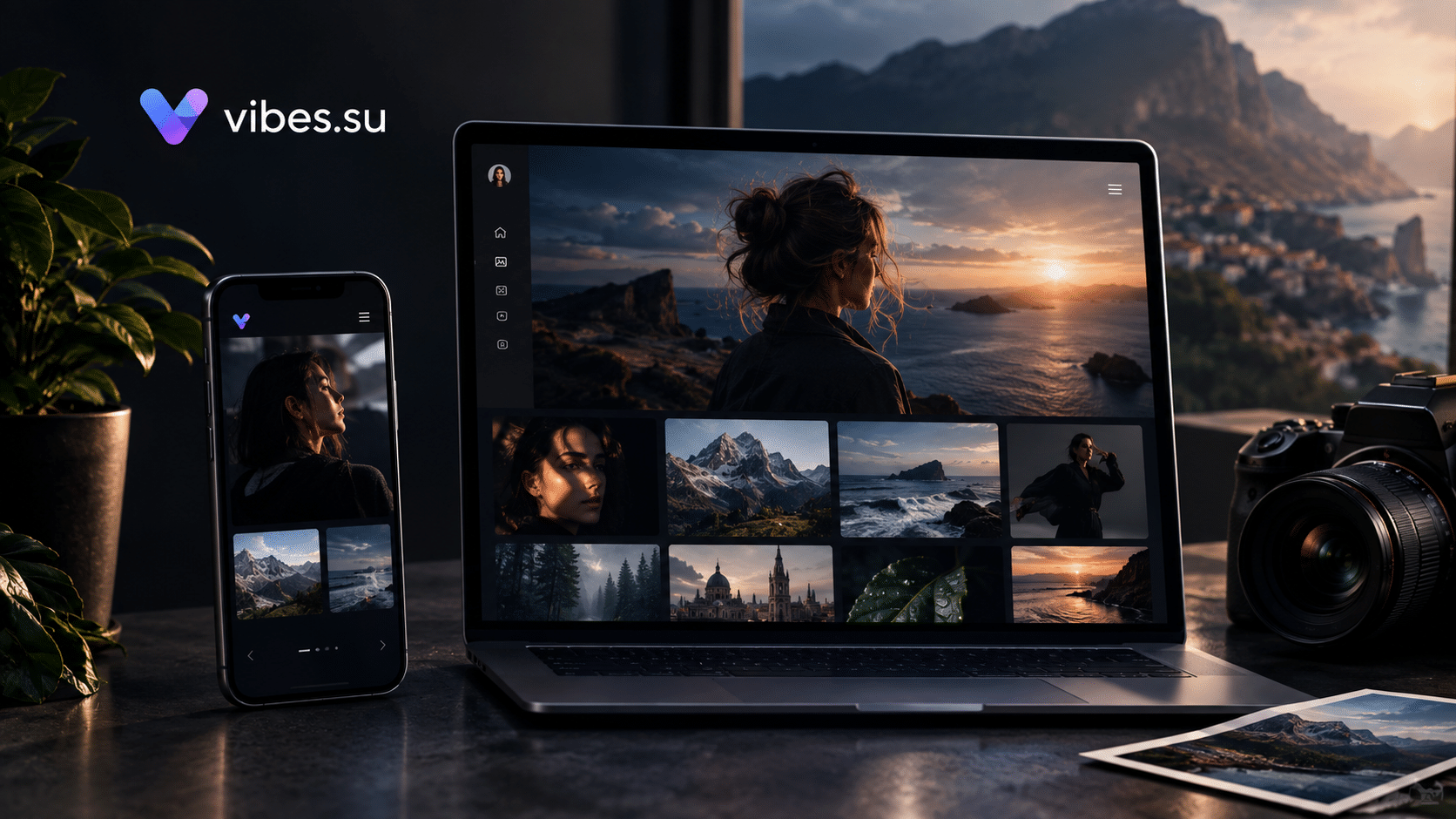
This is the problem that a static portfolio site solves. It loads fast. It works on any device. It does not need a database, a content management system, or a developer on retainer. You upload your images and HTML, connect your domain, and you are live. In Vibes, this takes hours, not weeks. And unlike social media, nobody can change the rules overnight and hide your work from the people who want to hire you.
The question is not whether you need a portfolio site. Most photographers know they do. The question is how to build one without spending three thousand dollars on a designer, without learning to code, and without waiting a month for a developer to answer your emails. This guide answers that question.
What a photographer's static site actually needs
Before you build anything, decide what the site must do. Not what would be nice. Not what other photographers have. What it must do to bring you clients.
First, it must show your best work in high quality. Not all your work. Your best work. Twenty images that represent what you want to be hired for beat two hundred images that show everything you have ever shot.
Second, it must load in under two seconds on a mobile phone. Most clients will find you on a phone. If your site takes five seconds to load, they are gone before they see your first photo.
Third, it must have a clear way to contact you or book a shoot. A contact form, an email link, a booking page. Something that does not require the client to hunt for your phone number.
Fourth, it should optionally protect private client galleries with a password. If you shoot weddings, portraits, or commercial work, you will have clients who want their photos private. A password-protected gallery solves this without sending a hundred files over email.
That is it. No blog, no store, no complex navigation, no newsletter signup. A portfolio is a single page or a few pages that load fast and look good. Everything else is noise.
Why static hosting beats a website builder for photographers
Website builders like Wix, Squarespace, and others are popular, and they work. But they come with trade-offs that matter for photographers.
First, speed. Builders load a lot of code you do not need. Scripts, trackers, fonts, plugins. On a fast connection this is fine. On a mobile phone with a weak signal, it means your images load slowly or not at all. A static site is just HTML, CSS, and your images. It loads as fast as your host allows.
Second, cost. Builders charge monthly. Ten dollars here, twenty dollars there. Over a year, that adds up. Static hosting is cheaper because it does not need servers running databases and admin panels. In Vibes, the Free plan includes one static site. The Pro plan includes three. The Business plan includes fifty.
Third, control. With a builder, you are locked into their templates, their limits, their rules. With a static site, you own the files. You can move them anywhere. You can edit them in any text editor. You are not renting your portfolio, you are owning it.
Fourth, privacy and tracking. Builders often add their own scripts and pixels. A static site only includes what you put in it. If you want analytics, you add analytics. If you want pixels for advertising, you add pixels. You decide.
The trade-off is that static sites require you to prepare HTML files. But you do not need to be a developer. You can use a template, and you can edit text in any basic editor. If you can write an email, you can edit an HTML template.
How to launch your portfolio in Vibes: step-by-step
Step one. Prepare your images and HTML
Start with your images. Choose twenty to thirty of your best photos. Export them in web-friendly format. For most photographers, JPEG at 70 to 80 percent quality is fine. Resize them so the longest side is around 1600 to 2000 pixels. This is enough for a full-screen view on a laptop and more than enough for a phone. Do not upload full-resolution files. They slow down the site and do not look better on screen.
Next, prepare your HTML. You can write it yourself if you know how, or you can use a template. Vibes supports static HTML, CSS, and JavaScript, so any template you find will work. If you are starting from scratch, a simple structure is a header with your name and a short tagline, a gallery of images, an about section, and a contact section. That is all you need.
Step two. Upload to static hosting
Log in to your Vibes dashboard and go to the static hosting section. Upload your HTML files, your CSS, your images, and any JavaScript. The Free plan includes one static site with a Vibes subdomain. If you want a custom domain, you will need the Pro plan or higher. Uploading is drag and drop or file selection, depending on your setup. Once the files are uploaded, your site is live on the subdomain.
Step three. Connect your domain
A custom domain builds trust with clients. If you are a commercial photographer, a domain like yourname.com looks more professional than yourname.vibes.su. In the dashboard, add your domain and follow the instructions to point it at Vibes. This usually means adding a CNAME record at your domain registrar. It takes a few minutes and propagates within a few hours. The Pro plan includes two custom domains, the Business plan includes fifty.
Step four. Add password protection for client galleries
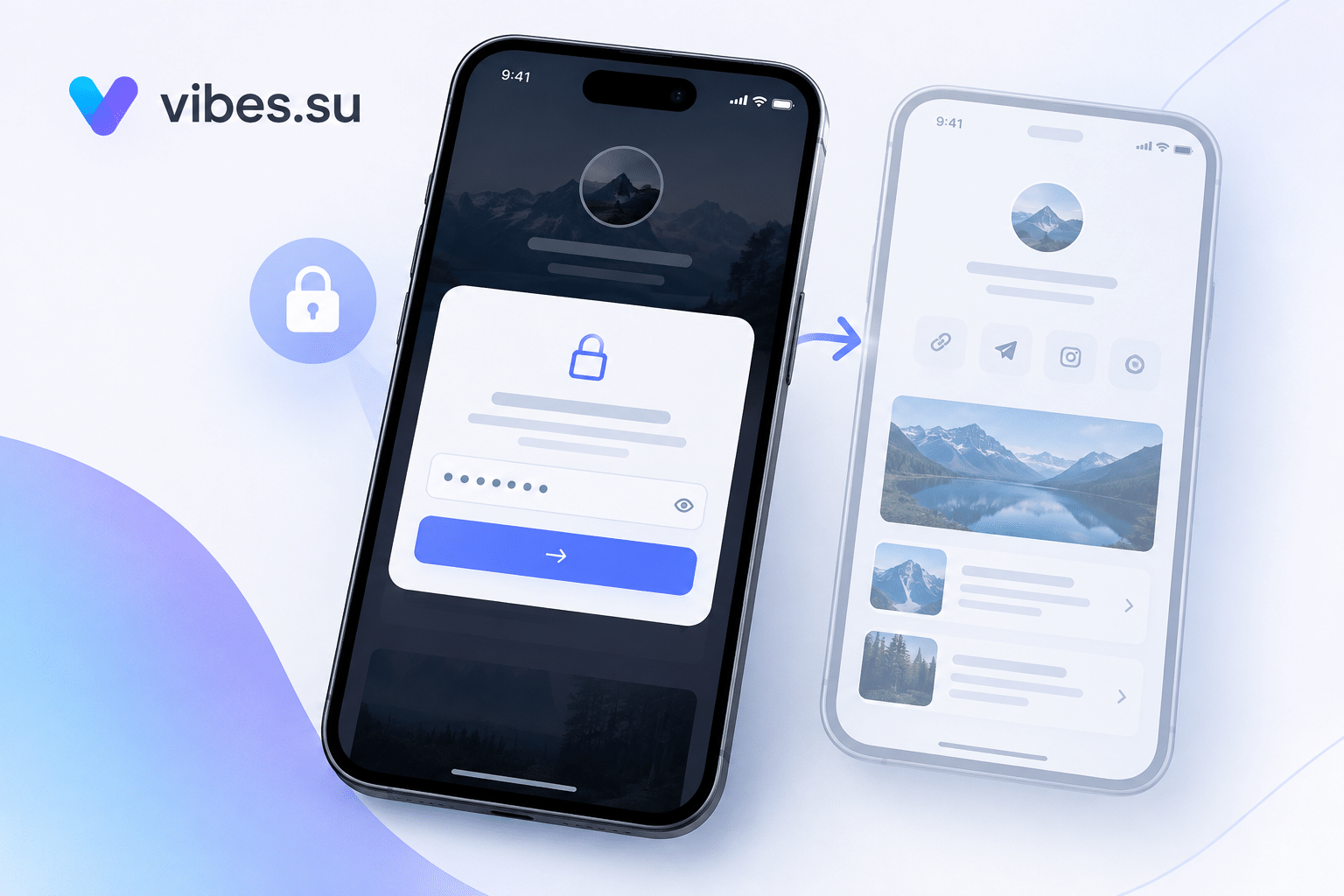
If you shoot private work, you need password protection. This is one of the reasons photographers choose Vibes over a plain static host. In the dashboard, enable password protection for the page or the gallery. When a client visits the link, they see a password prompt. You send the password separately, ideally in a different channel from the link. For example, send the link by email and the password by text message. This way, if someone intercepts the email, they still cannot open the gallery.
Step five. Test on mobile before you share
Open your site on your phone. Check the gallery, the contact form, and the password-protected gallery if you have one. Make sure the text is readable, the images load, and the buttons are easy to tap. Most of your clients will see your site on a phone, not a laptop, so this step matters more than anything else.
Step six. Share the link everywhere
Now that your site is live, put the link in your social media bio, in your email signature, on your business card, and in your proposals. When a potential client asks for your portfolio, you send one link. Not ten images in a message. Not a link to a folder. One link to a site that represents your work the way you want it represented.
Scenario: wedding photographer with private client galleries
You shoot a wedding. You deliver five hundred photos. Sending them over email is impossible because of file size limits. Uploading to a file-sharing service is slow, ugly, and full of ads. Printing a USB drive costs money and takes time.
Instead, you upload the gallery to your static site, protect it with a password, and send the link to the couple. They open the gallery, see their photos in full quality, and share the link and password with family. You track views in analytics. You see when the couple opened the gallery, how many times, and from which devices. If they say they did not see the photos, you check the analytics and know whether they actually opened the link.
This also works for portrait sessions, newborn shoots, and any private client work. You give the client a professional gallery without building a custom system or paying for a separate service.
Scenario: commercial photographer with a booking page
A brand wants to book you for a product shoot. They find your site through a referral or a search. They see your work, they like it, and they want to move forward. If your site has a booking link, they can request a shoot directly. If it does not, they have to email you, wait for a reply, and maybe lose interest.
In Vibes, you can add a booking link to your site. This can be a link to a bio page with your calendar, or a short link that opens a booking form. The brand clicks, chooses a date, and submits a request. You get the request without a single back-and-forth email. For commercial photographers who work with agencies and brands, this speed matters. The faster you respond, the more likely you are to win the job.
Scenario: photographer with a niche portfolio
If you specialize, you can build separate portfolios for each niche. For example, one site for weddings, one for food photography, one for real estate. This is useful if you want to target different clients with different work. In Vibes, the Free plan includes one static site, the Pro plan includes three, and the Business plan includes fifty. If you are just starting, one site with sections for each niche is enough. As you grow, you can split them.
A niche portfolio also helps with search. If someone searches for a food photographer in your city, a site dedicated to food photography will rank better than a general portfolio that includes weddings, portraits, and products.
How to track who views your portfolio
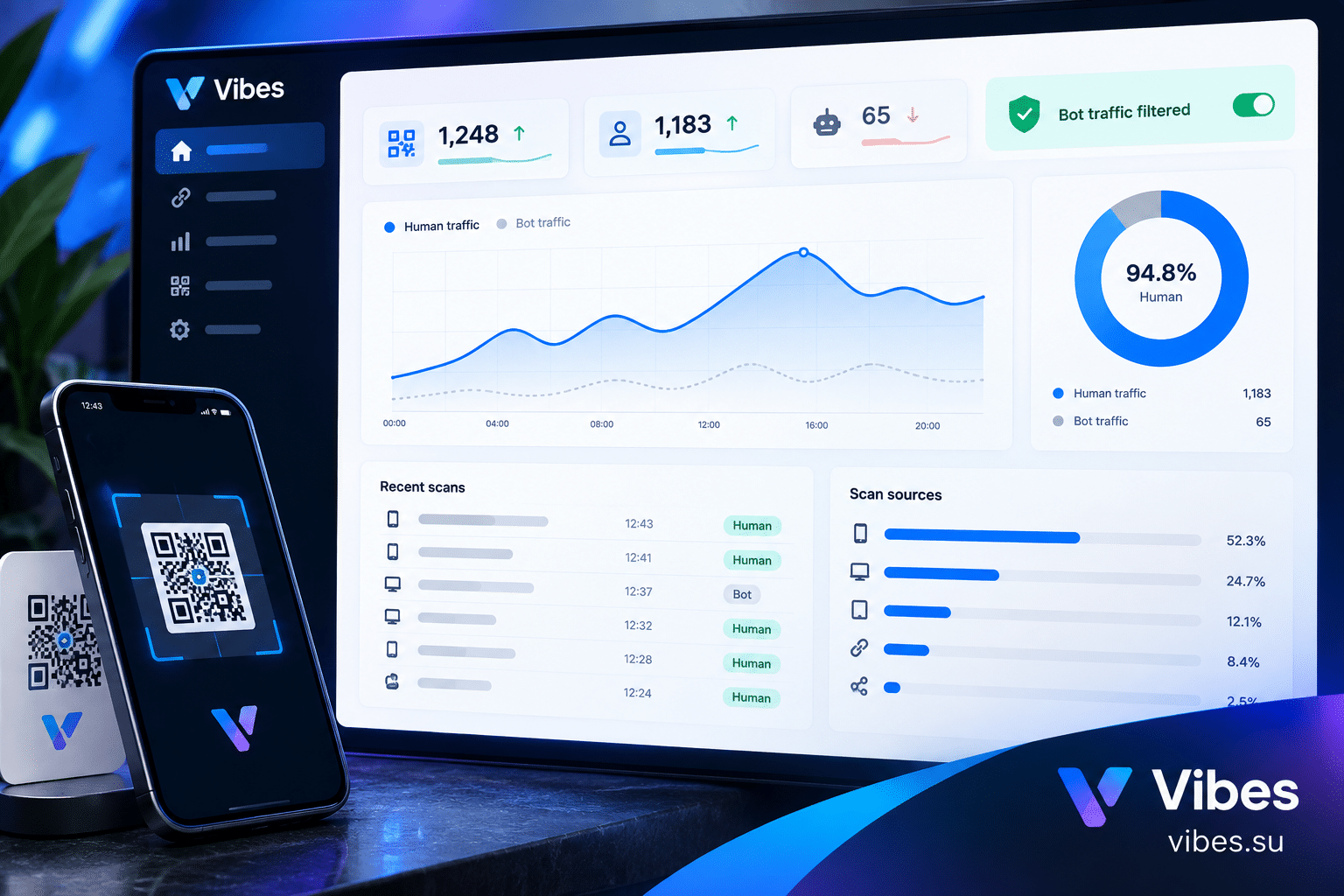
Vibes analytics shows visits, sources, devices, countries, and time. For a photographer, this answers three important questions.
First, are people visiting your site at all? If you share your link on social media and get no visits, the problem is the link or the audience, not the site.
Second, where are they coming from? If most visits come from Instagram and you want commercial clients, you may need to promote your site in other channels, like LinkedIn or email outreach.
Third, what devices are they using? If most visitors are on mobile and your site looks bad on mobile, you are losing clients. Fix the mobile version first.
For password-protected galleries, analytics also shows when the client opened the gallery and how many times. This is useful if a client claims they never received the photos or never opened them.
Common mistakes photographers make with portfolio sites
The first mistake is uploading full-resolution images. A single photo from a modern camera can be twenty megabytes or more. A gallery of twenty photos can be four hundred megabytes. This will not load on a phone, and it will cost you clients. Compress your images before uploading.
The second mistake is no contact or booking link. If a client likes your work but cannot figure out how to reach you, you lose the job. Put a contact link in the header, the footer, and at the bottom of the gallery. Make it impossible to miss.
The third mistake is ignoring mobile. Most photographers design on a laptop and assume it looks the same on a phone. It does not. Test on a phone before you share the link with anyone.
The fourth mistake is no password protection for private galleries. Client photos should not be public. If you shoot weddings, portraits, or any private work, enable password protection. It takes two minutes and prevents a lot of problems.
The fifth mistake is a slow site. If your site takes more than three seconds to load, most visitors will leave. Compress images, use a fast host, and avoid unnecessary scripts. Static hosting is fast by default, but large images can still slow it down.
The sixth mistake is no analytics. If you do not know how many people visit your site, where they come from, and what they do, you cannot improve it. Enable analytics and check it once a week.
How to update your portfolio without breaking links
When you add new work or change your about section, you upload the updated files. The URL of your site does not change. This is important because you may have shared the link in dozens of places: social media, email signature, business cards, proposals. If the link changed, you would have to update all of them.
In Vibes, the static site URL stays the same unless you change it yourself. Update the files, and the site updates. Clients who bookmarked your site will see the new version the next time they visit.
What to do if a client cannot open your site
Sometimes a client will say they cannot open your site. The reasons vary. The most common is a slow connection. If the client is on a weak mobile signal, large images may take a long time to load or fail entirely. Compressing your images helps with this.
The second reason is a browser issue. Older browsers may not support some modern HTML and CSS features. If you use a template, check that it works in older browsers or ask the client to update their browser.
The third reason is a password issue. If the gallery is password-protected and the client says they cannot open it, check that you sent the password. It sounds obvious, but it happens. Send the link and password separately, and confirm the client received both.
The fourth reason is a typo in the link. If you typed the link by hand, you may have made a mistake. Copy and paste the link instead. Use a short link from Vibes to avoid long, error-prone URLs.
FAQ
Do I need to know HTML to build a portfolio site?
No. You can use a template. But if you know basic HTML and CSS, you have full control over the design. If you do not, start with a template and edit the text and images. You can learn more later if you want to customize further.
Can I update the site without re-uploading everything?
Yes. Upload only the files you changed. If you added a new photo, upload the photo and the updated HTML. The rest stays as is. This is faster and less error-prone than re-uploading the entire site.
How do I protect client galleries?
Enable password protection for the page or the gallery. Send the password separately from the link. In Vibes, password protection is available on all plans, including Free.
Do I need a custom domain?
Not strictly. A Vibes subdomain works fine for starting out. But a custom domain looks more professional and is easier to remember. If you are serious about getting clients, connect a domain. The Pro plan includes two custom domains.
How many images should I include?
Twenty to thirty of your best images. Not all your images. Curate ruthlessly. A potential client does not need to see every photo you have ever taken. They need to see that you can do the work they want to hire you for.
Can I sell prints or digital downloads from my site?
A static site does not include a shopping cart. If you want to sell prints or downloads, you can link to an external store or use a separate service. Keep the portfolio site focused on showing your work and getting clients. Selling is a different job.
What if I want to change the design later?
You can update your HTML and CSS at any time. Upload the new files, and the site updates. If you used a template, you can switch to a different template by replacing the files. The URL stays the same.
How often should I update my portfolio?
Every time you shoot something you want to show. For most photographers, this means once a month or once a quarter. Do not let your portfolio go stale. If your latest work is two years old, clients will wonder if you are still active.
Is static hosting secure?
Static sites are more secure than dynamic sites because there is no database and no server-side code to exploit. The main risk is unauthorized access to password-protected pages. Use strong passwords and send them separately from the link.
Can I use my own analytics or pixels?
Yes. Vibes supports tracking pixels including Google Analytics, Google Tag Manager, and others. You can add your own tracking code to the site. The Free plan includes one pixel, the Pro plan includes three.
Final thoughts
A portfolio site is not a luxury. It is a basic tool for any photographer who wants to be hired. Social media is where people discover you. Your site is where they decide to hire you. If you do not have a site, or if your site is slow and hard to use, you are losing work.
The good news is that building a static portfolio site is easier than it has ever been. You do not need a developer. You do not need a designer. You do not need a monthly subscription to a website builder. You need your best images, a simple HTML template, and a few hours. In Vibes, the Free plan gives you one static site with password protection and analytics. That is enough to start.
Start with twenty images and a contact link. Share the link with five potential clients. See what happens. Most photographers find that a clean, fast portfolio site wins more work than a perfect one that never gets finished.
Launch your portfolio site in Vibes. The Free plan includes one static site with password protection and basic analytics. Sign up and upload your first page today. Compare plans at Pricing. If you want to learn how to track who views your portfolio, read our guide on analytics for static sites. If you need a booking link for commercial clients, see our article on bio pages for freelancers.