The moment someone decides whether to keep your contact information happens in under three seconds. Paper cards fail this test. Digital cards pass it. Here is the psychology behind why.
The three-second rule of networking
You meet someone at an event. You exchange cards. You each hold a piece of paper with the other person's name and number. At that moment, both of you silently decide: will I actually save this contact?
Research in behavioural psychology identifies the key factor in this decision as friction. Every additional step between receiving information and storing it reduces the probability of storage by roughly 50%. The steps for a paper card are: take the card, carry it home, find it in a pocket or bag, open the phone, create a new contact, type the name, type the number, type the email, throw the card away. Each step is an opportunity to abandon the process.
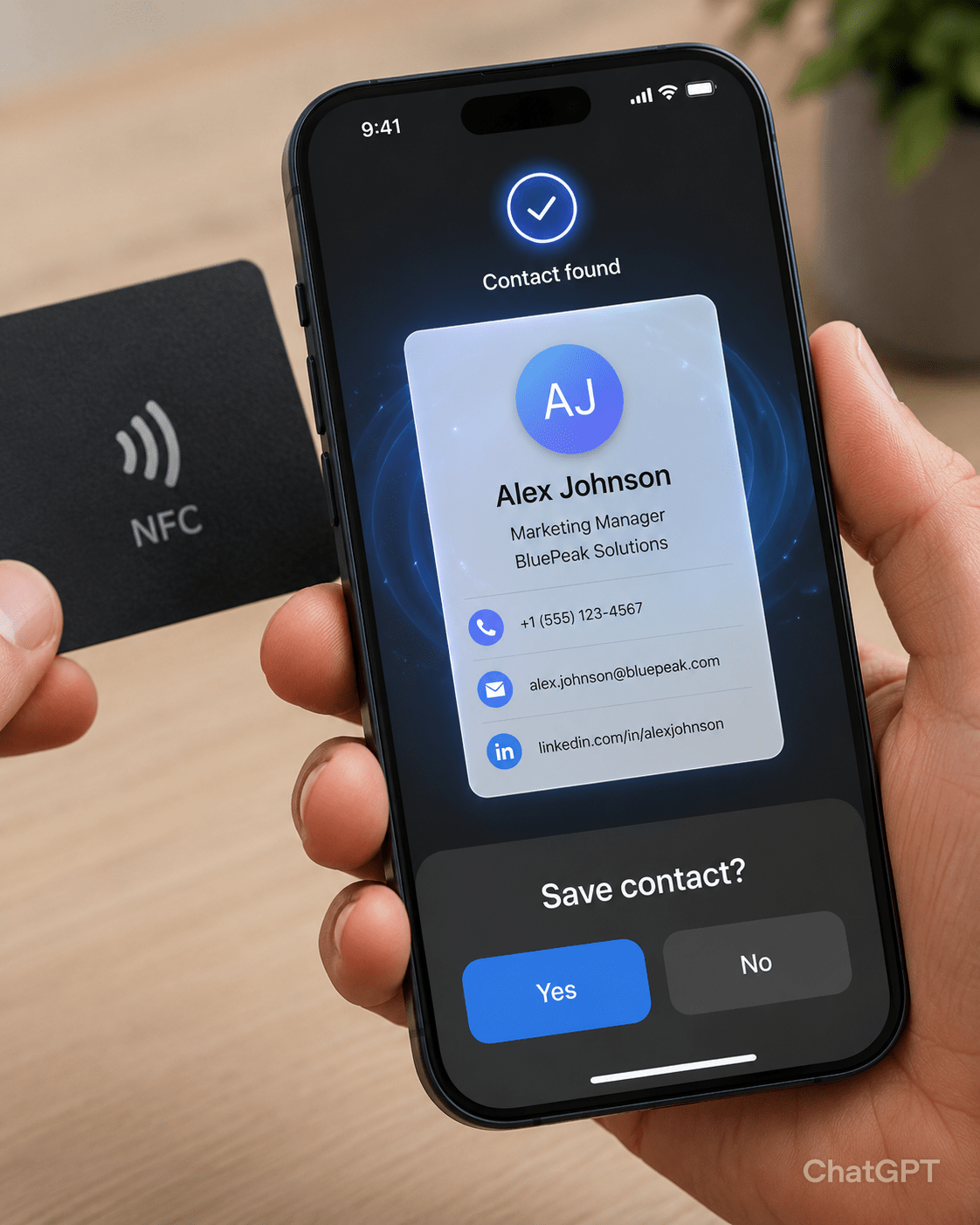
The steps for a digital card: tap the phone to an NFC card, or scan a QR code, tap «Save Contact», done. Three seconds, one decision, zero typing.
Friction is the enemy of follow-up
This is not about laziness. It is about cognitive load. After a networking event, a person might have 15 paper cards. Saving all of them means 15 repetitions of a tedious data-entry task. Most people save 2-3 and discard the rest. The cards they save are not necessarily the most valuable contacts — they are the ones from people they remember most vividly, or the ones they happened to find first when emptying their pockets.
A digital card bypasses this filter. Because saving takes one tap, the decision becomes «why not» instead of «why bother». Contacts that would have been lost to friction survive and generate follow-ups.
The endowment effect: why digital cards create stronger connections
The endowment effect is a cognitive bias where people value things they already possess more than identical things they do not. When someone saves your contact to their phone, their brain categorises you as «someone I know» rather than «someone I met once». The act of saving creates a sense of ownership over the connection.
Paper cards delay this effect. The card sits in a pocket, unprocessed, for hours or days. By the time it is entered into the phone, the memory of the conversation has faded. The contact is saved, but the connection feels thin.
Digital cards trigger the endowment effect immediately. The tap happens during the conversation, while the connection is strongest. The contact is saved before the handshake ends. The brain processes this as «we are now connected» rather than «I might connect with this person later».
What makes a digital card design work
A digital card that asks for too much information fails the same way a paper card does. The ideal digital card contains:
- full name;
- one phone number (the one you actually answer);
- one email address;
- one professional photo (faces are memorable);
- one link — to your LinkedIn, portfolio, or website, not all three.
The temptation is to add everything: all social profiles, a bio, a company description, a list of services. Resist this. The digital card's job is to get saved. Additional information belongs on the page the card links to, not on the card itself.
NFC vs QR code: which works better in practice
NFC cards require no scanning. The recipient holds their phone near your card, and the contact page opens automatically. This is faster and feels more professional. The downside: the recipient's phone must have NFC enabled. Most modern phones do, and it is on by default on Android. iPhones require a deliberate tap, but the feature is built into the operating system.
QR codes are universal. Any phone with a camera can scan them. The downside: scanning a QR code requires opening the camera app, which is a small but real step of friction.
The best approach is a card that supports both: NFC for the quickest possible exchange, and a printed QR code on the card as a fallback. Vibes digital business cards include both.
The follow-up message that doubles your response rate
Here is a tactic that works regardless of whether the card is paper or digital: after the event, send a short follow-up message referencing something specific from your conversation. Not «great to meet you» — everyone writes that. Something like: «You mentioned you are looking for a new supplier for packaging. We just published a comparison of five local suppliers — here is the link.»
This message does three things: it proves you were listening, it provides immediate value, and it gives the recipient a reason to reply. Response rates to context-specific follow-ups are 3-4 times higher than generic ones.